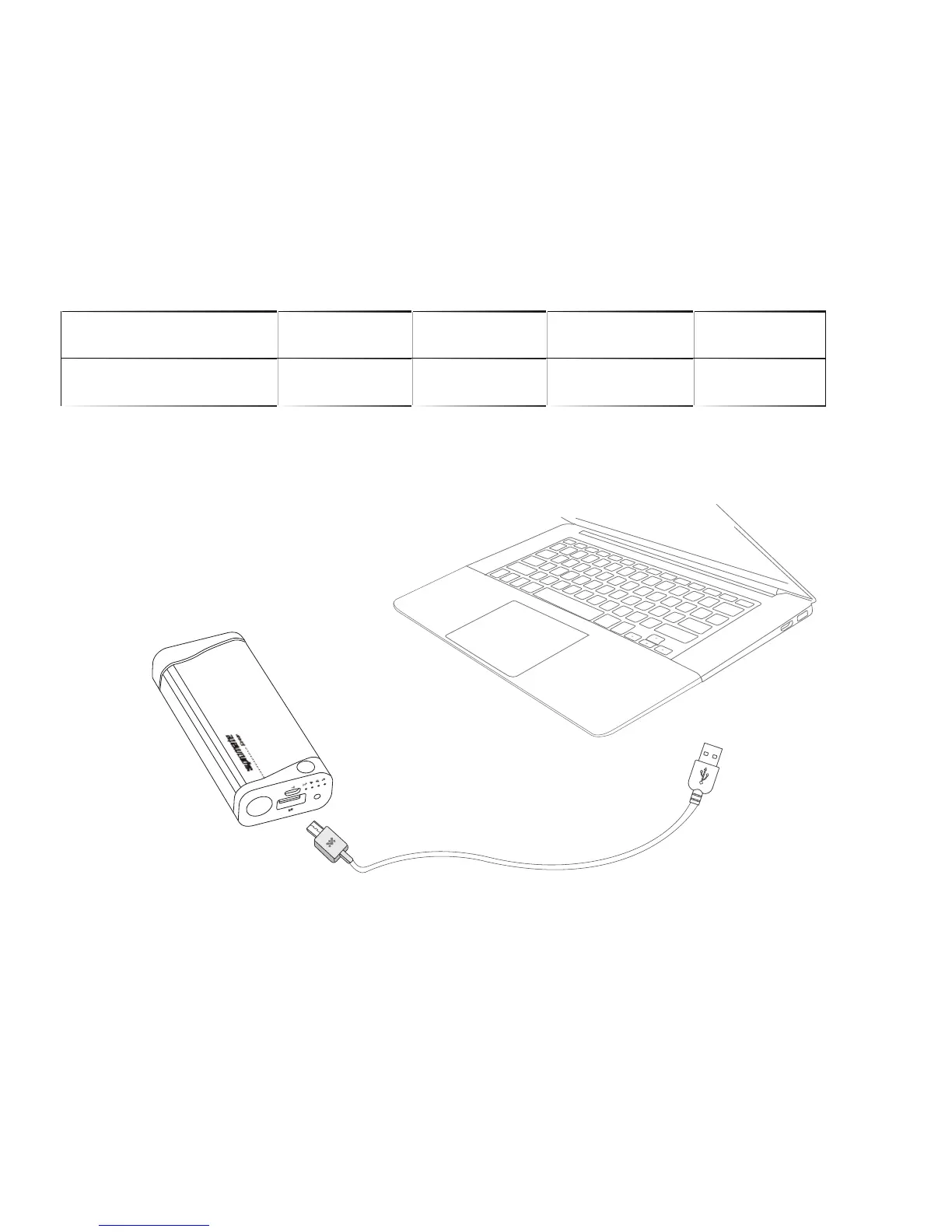
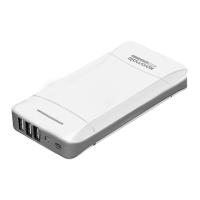
Plug the Micro-USB end of the charging cable provided into the Micro-USB charging
port in Beam back-up battery. Connect the other end of the Micro-USB charging cable
to a USB power adapter or computer USB port. The battery level indicator LED’s
light up indicating that the back-up battery is charging normally.
2. Charging Beam back-up battery
Operation Instructions:
4
1. Checking the remaining power left in Beam back-up battery
Tap the Multi-Function button once to view the amount of power remaining in
Beam.
No. of LED’s Active 1 2 3
4
% of power remaining <=25% <=50% <=75%
<=100%


 To Next Page