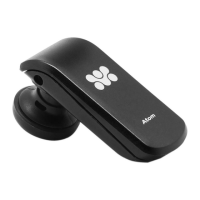
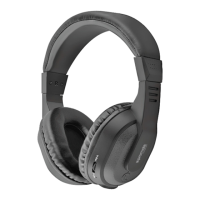
2. Pairing
• Press and hold the Mulfuncon buon unl blue and red LED flashes
alternately. The voice prompt will say “Pairing”. Lite is now on pairing mode.
• Acvate Bluetooth® on your device and set it to search for new devices.
• Select "Lite" from the list of found devices and connect.
• If necessary, enter passcode 0000 to pair and connect Lite
to your device.
Now you can use Lite for calls or listening to music.
3. Mulpoint Pairing
Mulpoint technology enables you to pair another device and take a call from
either device. To pair with another device, just repeat the steps for
“Pairing”. Aer following the said steps, restart Lite to connect to 2 devices.
Operation Instructions:
4
1. Basic Operaon
• Mulfuncon buon: Press it to turn Lite on/off and to enter into
pairing mode.
• Adjust the volume: Press the "+" or "-" buon to increase or decrease
volume and you will hear a beep once it reaches the maximum or
minimum volume.
• Reverse Track/Forward Track(Needs Music Player Support):
To go backward or forward to the songs you like.
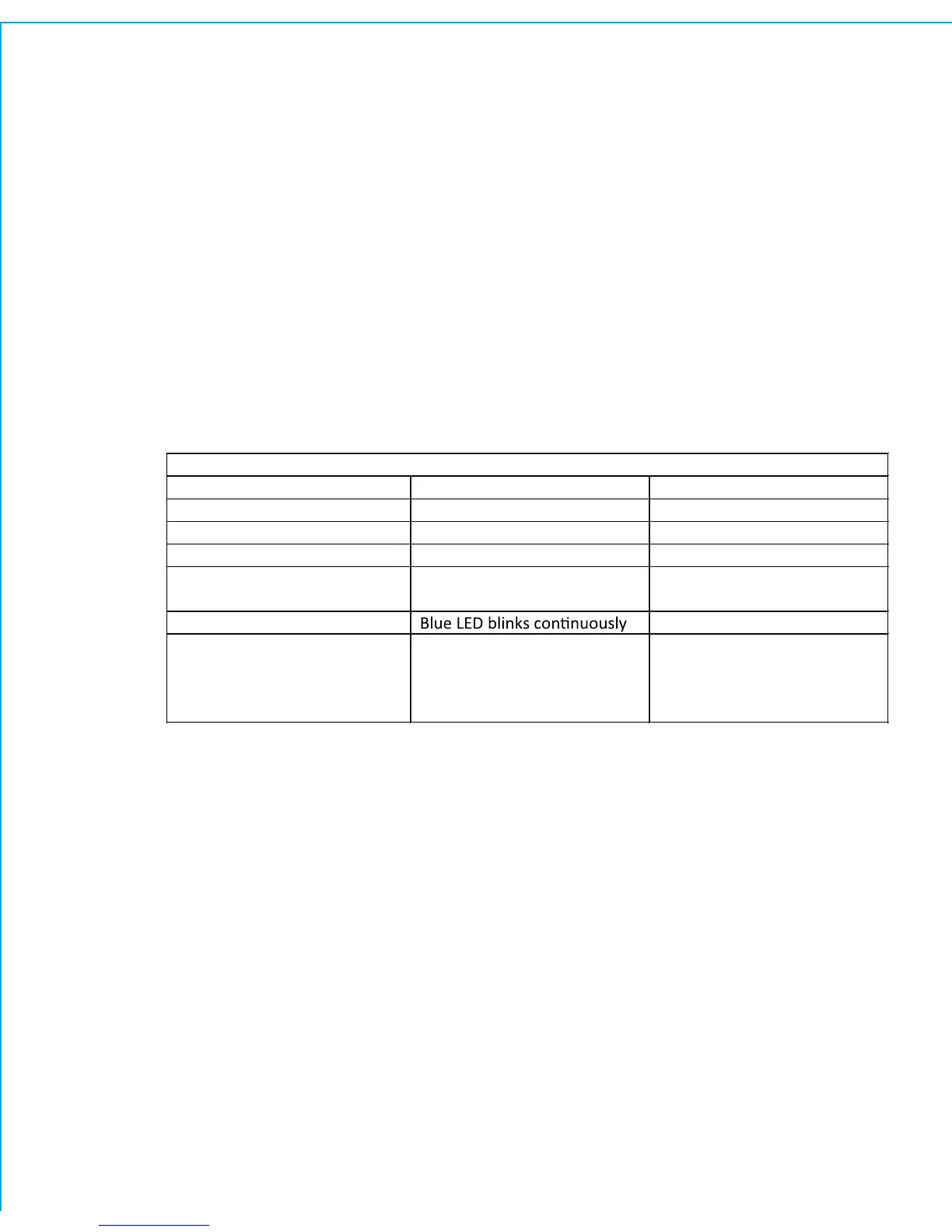
• LED status indicator: Below are LED status and it’s corresponding mode:
LED status indicator
Mode LED status Voice prompts
Power on Blue LED blinks three mes Power on
Power off Red LED blinks three mes Power off
Standby Blue LED blinks twice /
Pairing Red and Blue LED blinks
alternately
Pairing
Incoming call /
Charging Red LED stays on while
charging
Blue LED stays on aer fully
charged
/



 To Next Page