Please read all safety instructions and warnings thoroughly before using this product.
Improper use of this product may result in damage to this or attached products.
• Do not disassemble the device or attempt to fix it.
• Kindly use the included USB Cable to charge the product.
• Do not attempt to replace any part of this case or battery inside.
• Do not crush, puncture or dispose of in fire.
• Do not store or use the battery in a high temperature environment, including intense
sunlight or heat.
• Avoid drops, bumps, abrasions and impacts.
• If there is any reason to believe that there is internal damage to the device,
discontinue use immediately.
• If you find that the device is too hot, is emitting and odor is deformed, punctured or
exhibits any suspicious or abnormal behavior, discontinue use immediately and
contact our customer service.
• Always charge this product before extended storage.
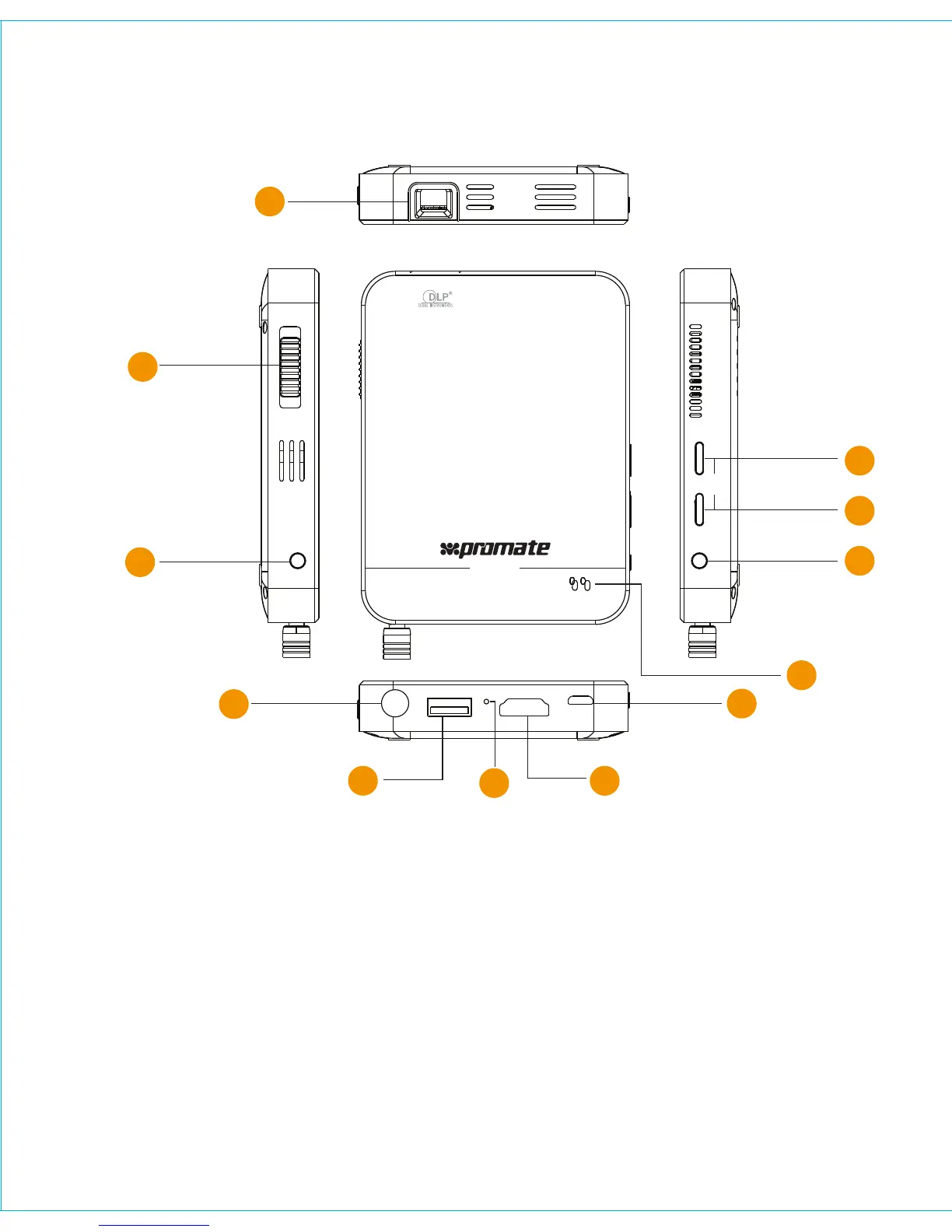
1. Optical Lens
2. Focus Slider
3. Power Button
4. 3.5mm Aux-out port
5. Standard USB port for charging
output
6. Reset Button
7. HDMI/MHL Port
8. Micro-USB Charging Input Port
9. LED indicator
10. Picture Mode Selection Button
11. Volume + Button
12. Volume - Button
Appearance & Interface Description:
3
1
2
3
4
6
5 7
8
9
10
11
12
VOL
AUDIO
USB 5V OUT R
HDMI/MHL
5V IN
Scope
FOCUS


 To Next Page
 Loading...