About the menu
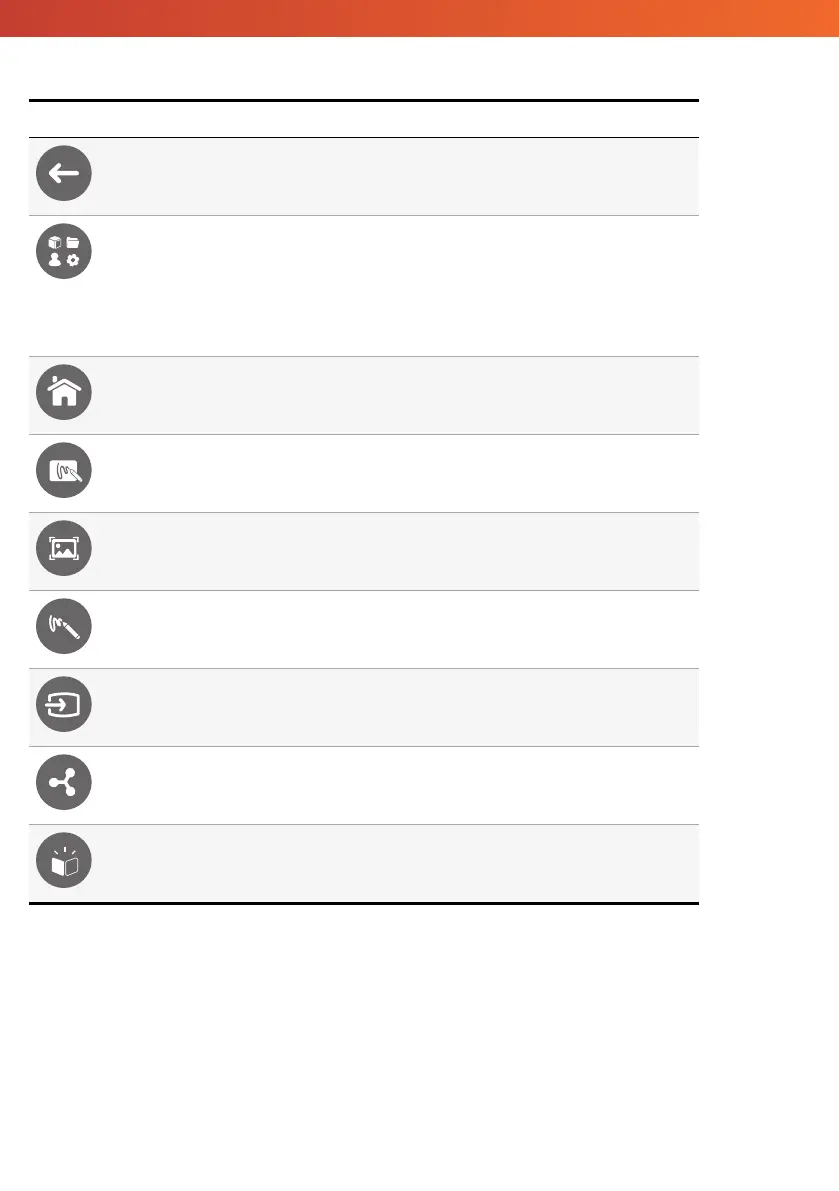
Icon Name Description
Back Navigates to the previous screen.
Locker Includes the following sub menus:
• Apps (provides access to all applications)
• Files (provides access to all files)
• Users (provides QR codes to connect user profiles to the ActivPanel)
• Settings (provides access to the ActivPanel settings such as brightness, volume, and
language)
Home Navigates to the main menu.
Whiteboard Turns the screen into an interactive whiteboard.
Capture Captures a screenshot of the current screen.
Annotate Adds a drawing layer on top of the current screen.
Source Changes the input source.
ActivCast Launches the ActivCast software.
Recent Apps Navigates to the Apps menu.
ActivPanel Titanium System Install and User Guide 57


 To Next Page
 Loading...








