EasyManua.ls Logo

ProScan Elite PEDVD6657-EO - Remote Control Operation (Advanced Functions); Volume and Subtitle Control; Angle and Language Selection; GOTO and PROG Functions

ProScan Elite PEDVD6657-EO
16 pages
Print Icon
To Next Page IconTo Next Page
To Previous Page IconTo Previous Page
Loading...
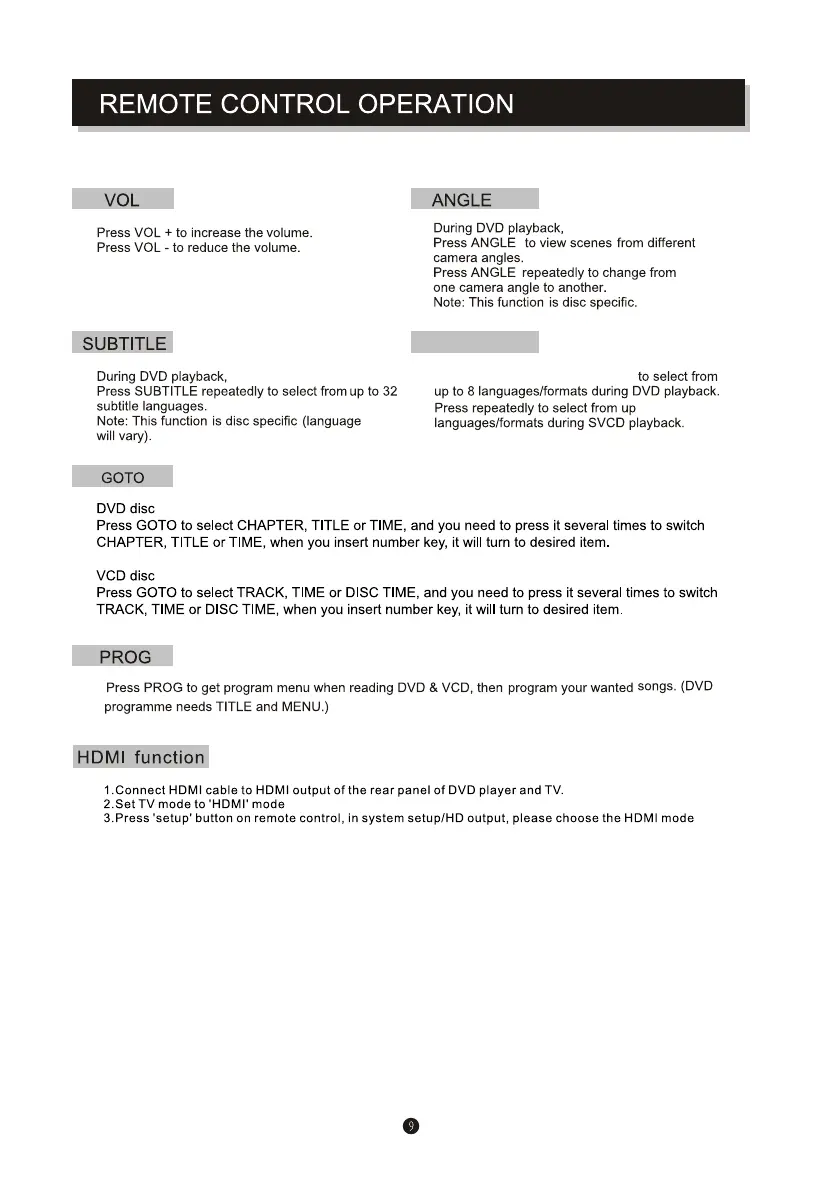
LANGUAGE
Note: This DVD Player is set up for HDMI Connection, with connection to the TV via an HDMI cable (not supplied)
connecting the HDMI socket on your TV and on the DVD player.
Press LANGUAGE repeatedly
to 4
(480I, 480P, 576P, 576I, 720P, 1080I, 1080P) you want.


Related product manuals