3
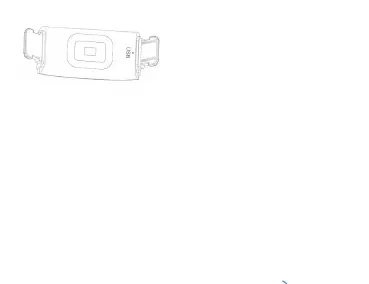
←USB charger
3. Power on/off bracelet:
(1) At power off state, long press power on/off button can power on.
(2) At power on state, find “off” icon interface, long press power on/off button can
make device power off.
4. Smart bracelet basic functions:
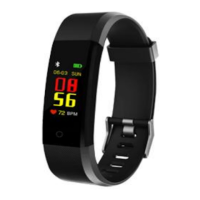
(1) Short press button icon can go to different interface: time/date ;step,
kilometer, calorie, heart rate, blood pressure, blood oxygen, music control,
message, find phone, about(for connect APP use), OFF, weather(only after
connect with app, it will show), QR CODE(for download lefun health APP use).
(2) At heart-rate and blood pressure interface, will test heart rate and blood
pressure automatically, please wear properly to make sure heart rate sensor touch
on your skin tightly.
(3) Music control: after connect bracelet with mobile phone, long press music, go


 To Next Page