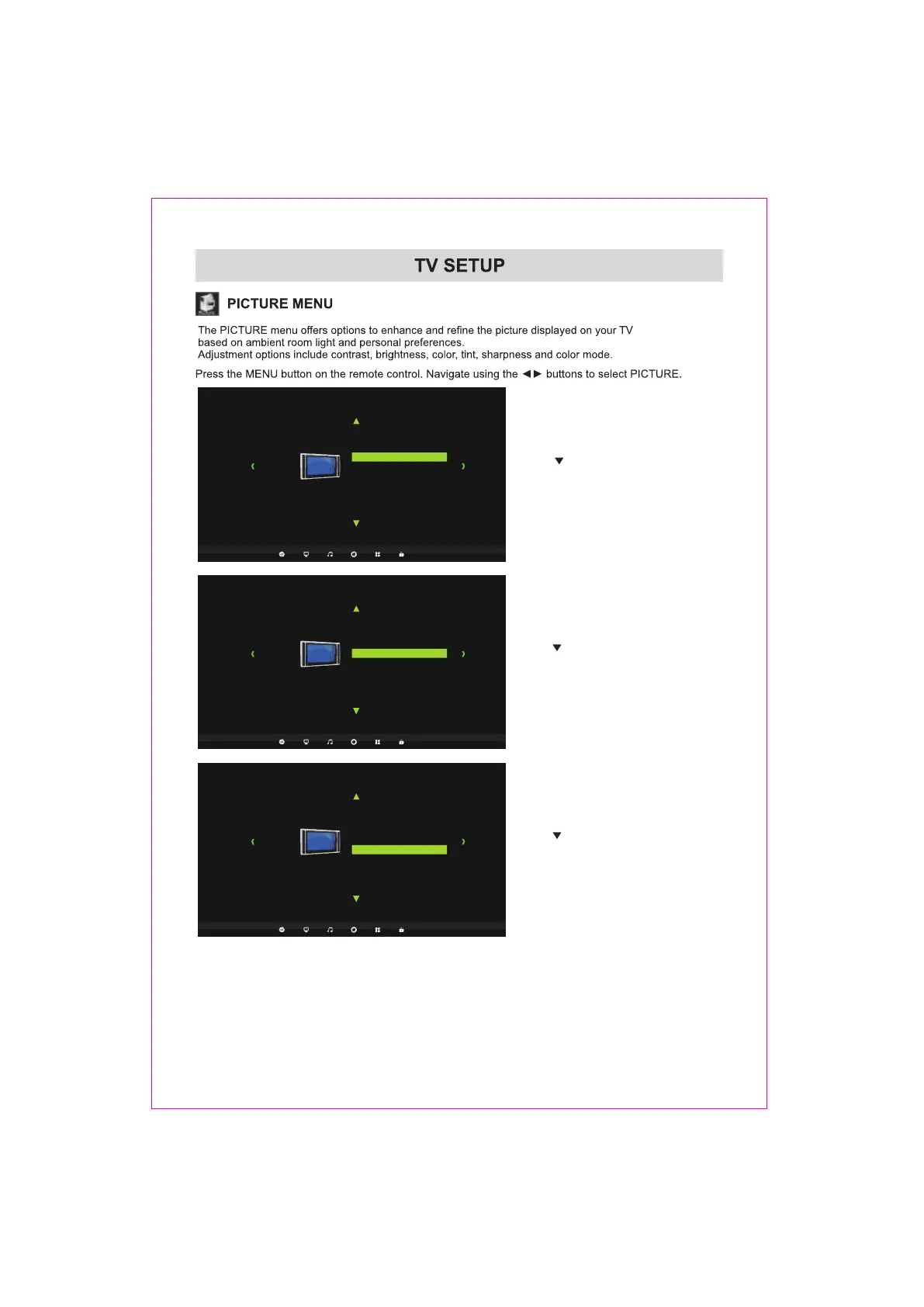
Picture
Picture Mode Standard
Color Mode Cool
Zoom Mode Cinema
3DNR Off
DLC Off
Navigate using the ENTER buttons to turn this
Use the button to highlight 3DNR.
feature Off,Weak,Middle,Strong, Auto.
Picture
Picture Mode Standard
Color Mode Cool
Zoom Mode Cinema
3DNR Off
DLC Off
Use the button to highlight DLC.
Navigate using the ENTER buttons to turn this
feature On or Off.
Over Scan On
Over Scan On
Picture
Picture Mode Standard
Color Mode Cool
Zoom Mode Cinema
3DNR Off
DLC
Of
f
Use the button to highlight Over Scan.
Navigate using the ENTER buttons to turn this
feature On or Off.
Over Scan On
15














 To Next Page