EasyManua.ls Logo

ProScan PLDED4022-UK - TV Setup - Advanced Features; Common Interface (CI) Card Setup; Signal Information Details

ProScan PLDED4022-UK
37 pages
Print Icon
To Next Page IconTo Next Page
To Previous Page IconTo Previous Page
Loading...
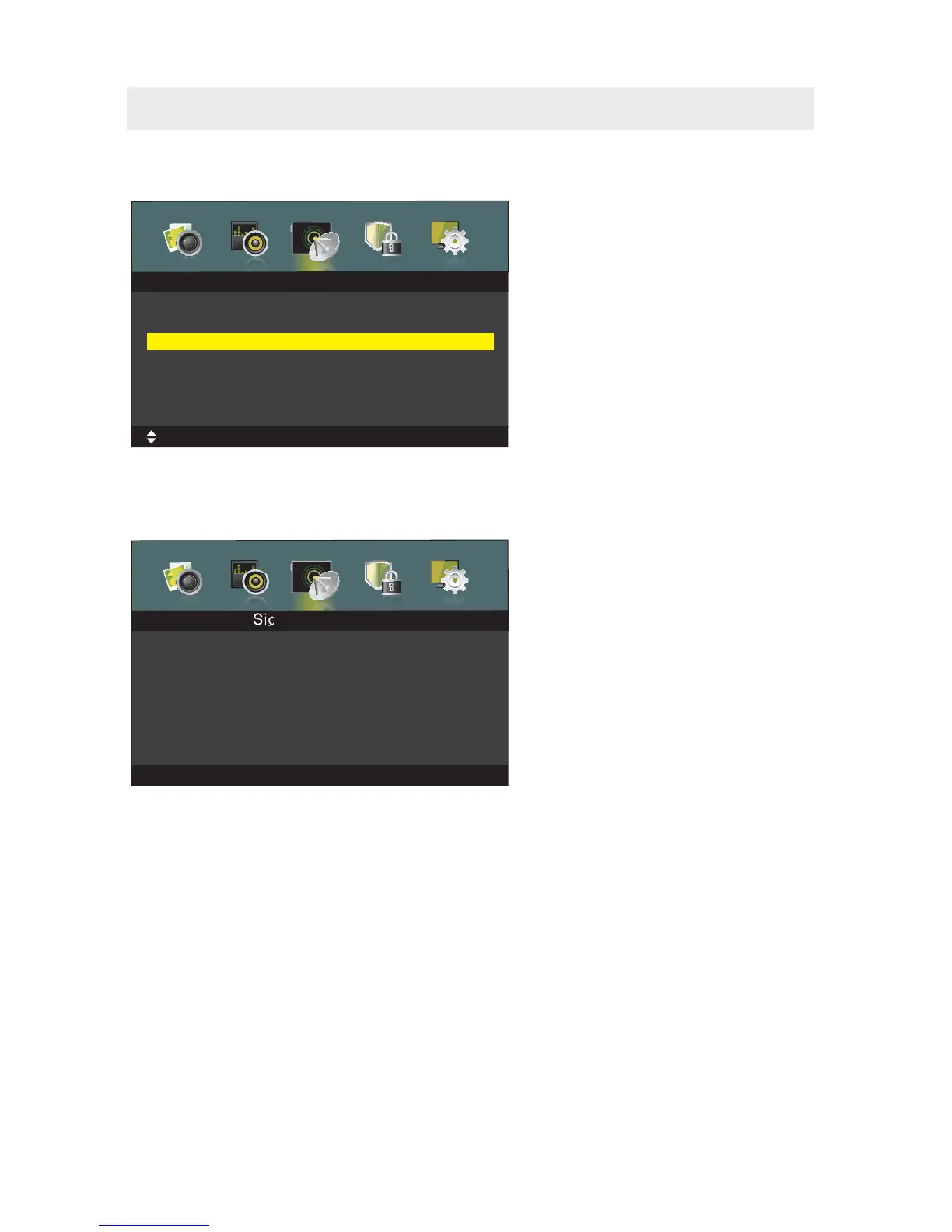
TV SETUP
Press
/ button to select , then press OK/►button to enter submenu.
Only available when there is CI card under DTV.
C
C
O
O
M
M
M
M
O
O
N
N
I
I
N
N
T
T
E
E
R
R
F
F
A
A
C
C
E
E
C
C
o
o
m
m
m
m
o
o
n
n
I
I
n
n
t
t
e
e
r
r
f
f
a
a
c
c
e
e
Common Interface
MENU:Return
EXIT
:Exit
Move
Irdeto Access
IRDETO-MAIN
2.Messages
3.Language Setup
4.Update Software
Press OK to select;Press ‘EXIT’ to quit.
1.Status
OK:Select
Press / button to select , then press OK/button to see the detail
information about the signal.
Only available when there is signal under DTV.
S
S
I
I
G
G
N
N
A
A
L
L
I
I
N
N
F
F
O
O
R
R
M
M
A
A
T
T
I
I
O
O
N
N
S
S
i
i
g
g
n
n
a
a
l
l
I
I
n
n
f
f
o
o
r
r
m
m
a
a
t
t
i
i
o
o
n
n
MENU:Return
EXIT:Exit
Network Nam
Channel
Frequerey
Modulation
Strength
Quality
e
Crystal Palace
CH 21
474.00 MHZ
64 QAM
0
0
Signal Information
Please Note:
The channel options are only available when you select TV as your SOURCE.
When you open the OSD menu on other sources (HDMI, YPbPr,AV, PC) these
options will be grayed out.
17

Related product manuals