TV SETUP
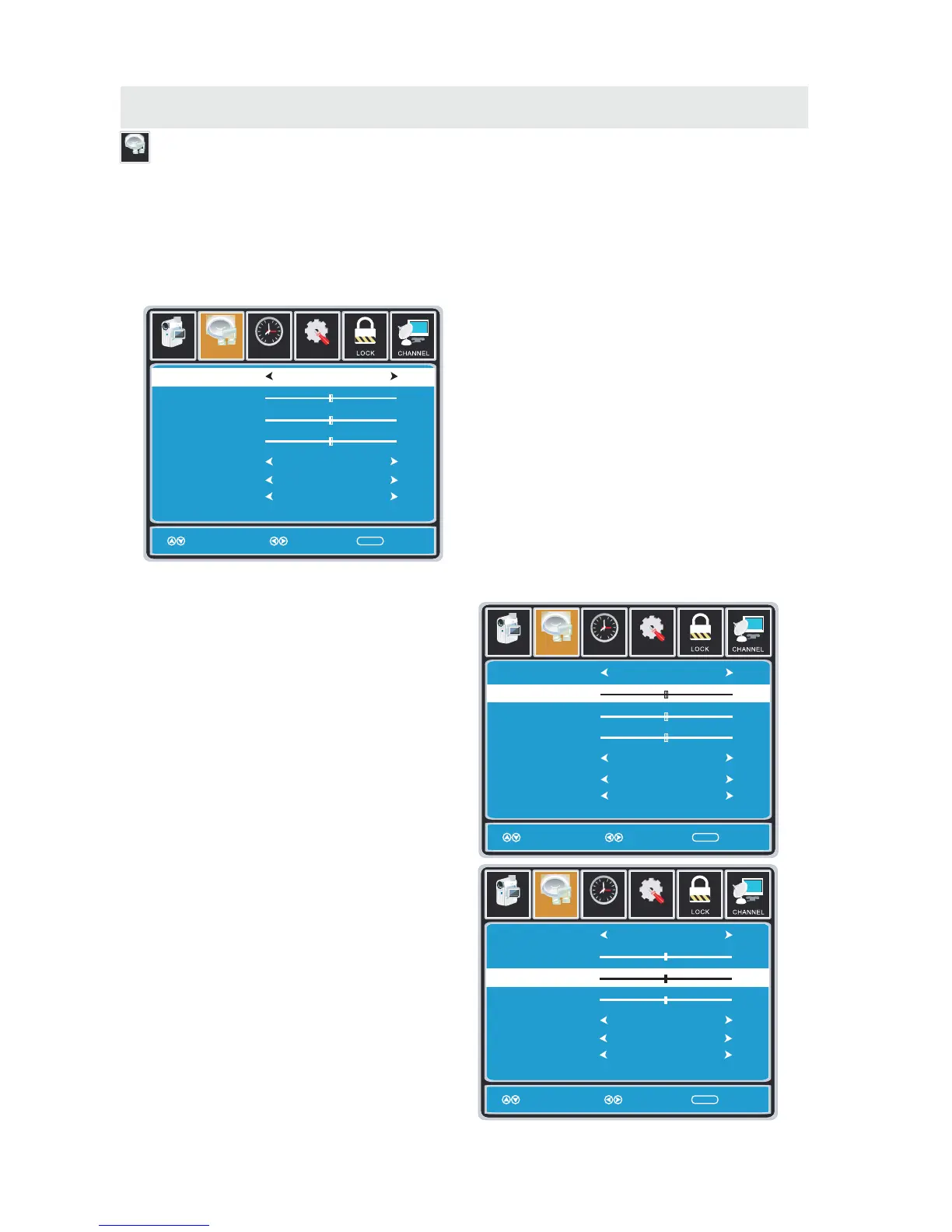
AUDIO MENU
Audio
Setu p
12
6
Tim
e
Sound Mode
Bass
Treble
Balance
Surround
Audio Language
Standard
English
Move Select Return
ME NU
50
50
0
Off
Picture Audio
Setu p
12
6
Tim
e
Sound Mode
Bass
Treble
Balance
Surround
Standard
Move Adjust Return
ME NU
50
50
0
Off
Picture Audio
Setu p
12
6
Tim
e
Sound Mode
Bass
Treble
Balance
Surround
Standard
Move Adjust Return
ME NU
50
50
0
Off
Picture Audio
How to Navigate:
Press the MENU button on the remote control. Navigate using the ◄► buttons to select AUDIO.
The AUDIO menu offers options to make sound enhancements while listening through the built-in
speakers and personal preferences.
Adjustment options include bass, treble, balance, surround, SPDIF Type and audio language.
Press the ▼ button to highlight SoundMode,
then press the ► button to select your sound
preference from 4 factory options:
STANDARD > MUSIC > MOVIE > USER.
The STANDARD setting is recommended for most
sound environments.
Depending on the surroundings in the room,
you may find one of the other options
more pleasing.
To make more critical audio adjustments based on your own preferences in USER:
Use the ▼ button to highlight Bass.
Navigate using the ◄► buttons to
increase or decrease low frequency intensity.
Use the ▼ button to highlight Treble.
Navigate using the ◄► buttons to
increase or decrease high frequency intensity.
SPDIF Type
PCM
Audio Language
English
SPDIF Type
PCM
Audio Language
English
SPDIF Type
PCM
16















 To Next Page