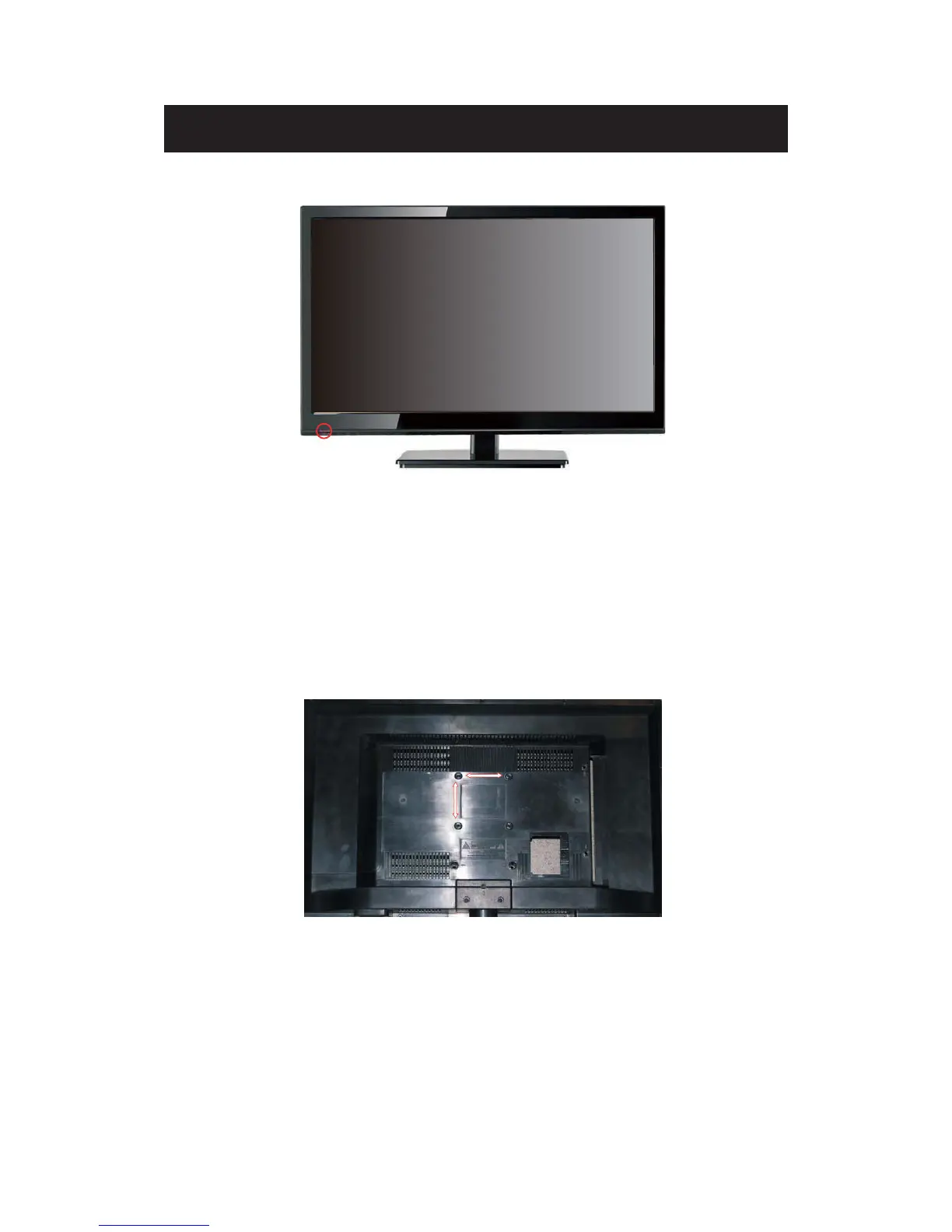
Front View
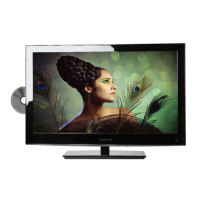
Rear View
Mounting Pattern
Identifying Front and Rear Panel
INDI
C
A
TOR LIGHT – The light is red when power is plugged in but the TV is not turned on.
The light turns blue when the TV is turned on. Because of the LED in the panel, the TV
might take 10 – 12 seconds to power on.
REMOTE SENSOR – The remote sensor receives all the commands from the remote control.
Mountin
g Specification : 75mm x 75mm using screw size M4. Length of screw should not
exceed 6mm. Please Note : The 6mm length of screw refers to how deep the screw can go
inside the mounting holes. When you’re buying screws, you should add the original 8mm to
the thickness of your mounting plate in order to get the total screw length.


 To Next Page