Adjusting Your TV
Sound Settings: Stereo, Expanded Stereo, SAP and Tone
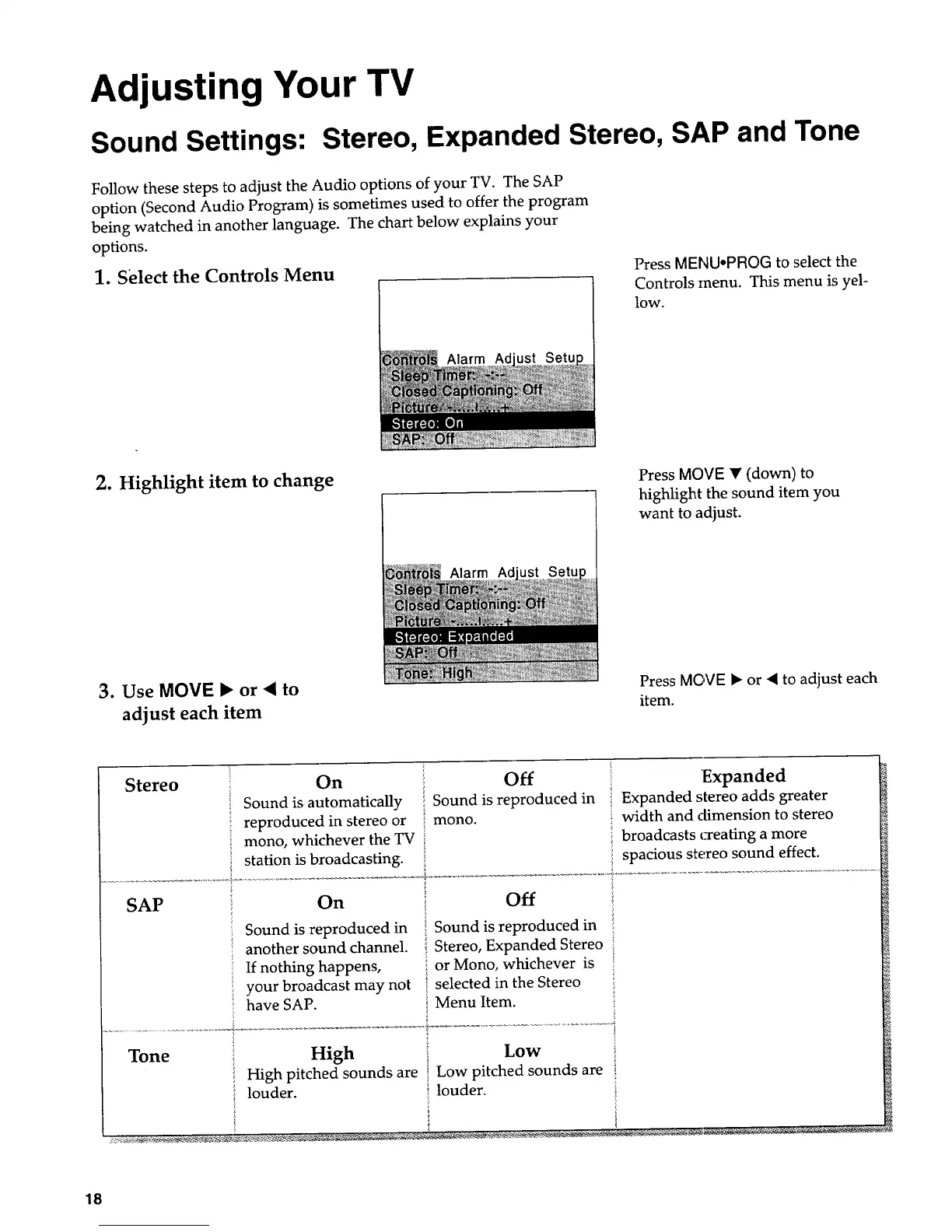
Follow these steps to adjust the Audio options of your TV. The SAP
option (Second Audio Program) is sometimes used to offer the program
being watched in another language. The chart below explains your
options.
1. Select the Controls Menu
Alarm Ad
Press MENU*PROG to select the
Controls menu. This menu is yel-
low.
2. Highlight item to change
Alarm Ad
Press MOVE • (down) to
highlight the sound item you
want to adjust.
3. Use MOVE • or • to
adjust each item
Press MOVE • or "( to adjust each
item.
Stereo On Off Expanded
Sound is automatically Sound is reproduced in Expanded stereo adds greater
reproduced in stereo or mono. width and dimension to stereo
mono, whichever the TV broadcasts _eating a more
i station is broadcasting, spacious stereo sound effect.
SAP _ On
Sound is reproduced in
another sound channel.
If nothing happens,
your broadcast may not
have SAP.
i off
i Sound is reproduced in
Stereo, Expanded Stereo
or Mono, whichever is
selected in the Stereo
Menu Item.
Tone
High Low
High pitched sounds are { Low pitched sounds are
- louder. } louder.
18


 To Next Page
 Loading...