Uniwersalny tester LCD MT-7059 Proskit Instrukcja obsługi
Instructions for product
Inst
all DC 9V battery to transmitter
then press “ON/OFF” button, it is
power on with a long sound. LCD
will showed “TEST” then auto
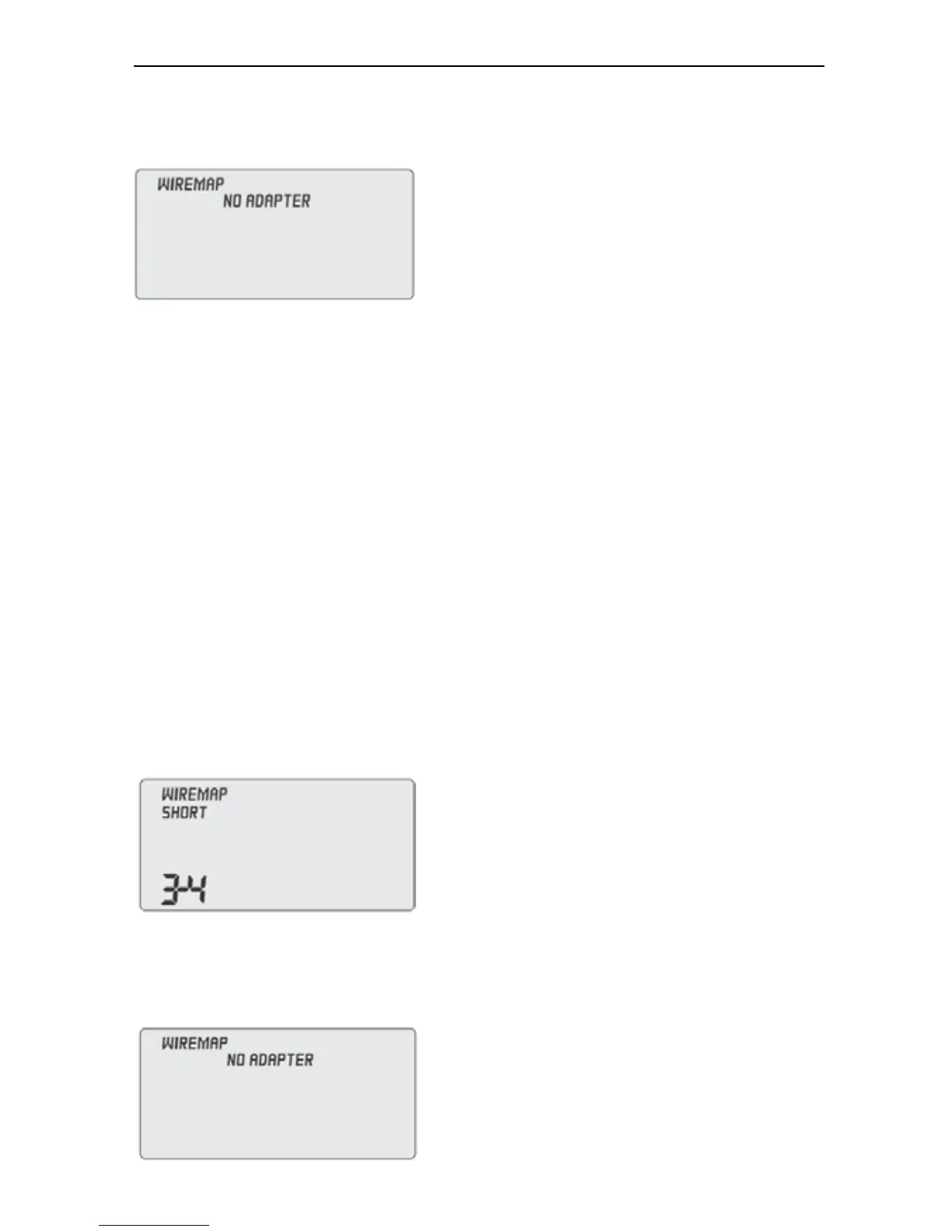
started wire mapping test, if the cable is not connected to
transmitter and receiver, the LCD will show “NO ADAPTER”
Cable mapping test (for example: test RJ45 patch cord)
Plug in RJ45 patch cord to transmitter, and the other terminal
into remote unit, press “ON/OFF” button and push “TEST”
button for wire mapping test. If the cable with shielding (or
earthed), LCD will show “STP”; if not LCD will show “UTP”.
Press “LIGHT” to turn on backlight when you test in dark
environment.
Several test results as follows may occur.
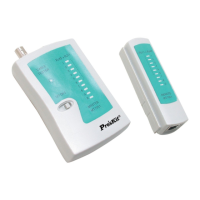
Test Result1: Short (SHORT)
If cable or connector connected
situation is short, transmitter LCD
will show “3-4” and “short” with
three short sounds.
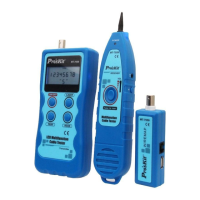
Test Result 2: The cable did not plug in remote unit or
transmitter,
LCD will show “NO ADAPTER”:
16


 To Next Page