7
CHAPTER 3 BASIC OPERATIONS
3.1 Photo-taking
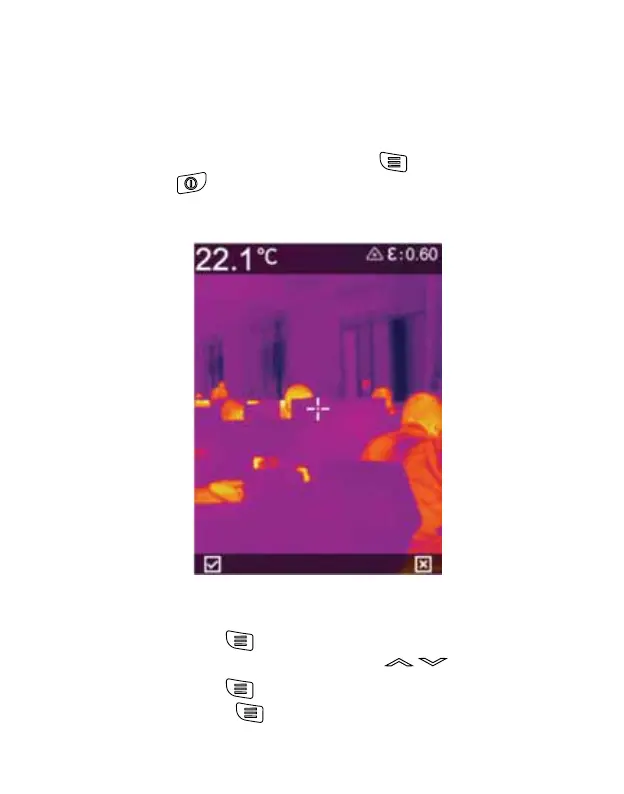
In the real-time observation interface, short press the “Trigger”
Key to take a photo, and then press the “ ” key to save the
photo or the “ ” key to discard it according to the prompt on
the interface.
3.2 View and deletion of pictures
1. Short press the “ ” key to access the menu interface.
2. Select the photo column by pressing “ ” key.
3. Short press the “ ” key to display the photo file interface.
4. Short press the “ ” key to view the photos, and display
another photo by pressing Up Down key (if necessary).



 To Next Page