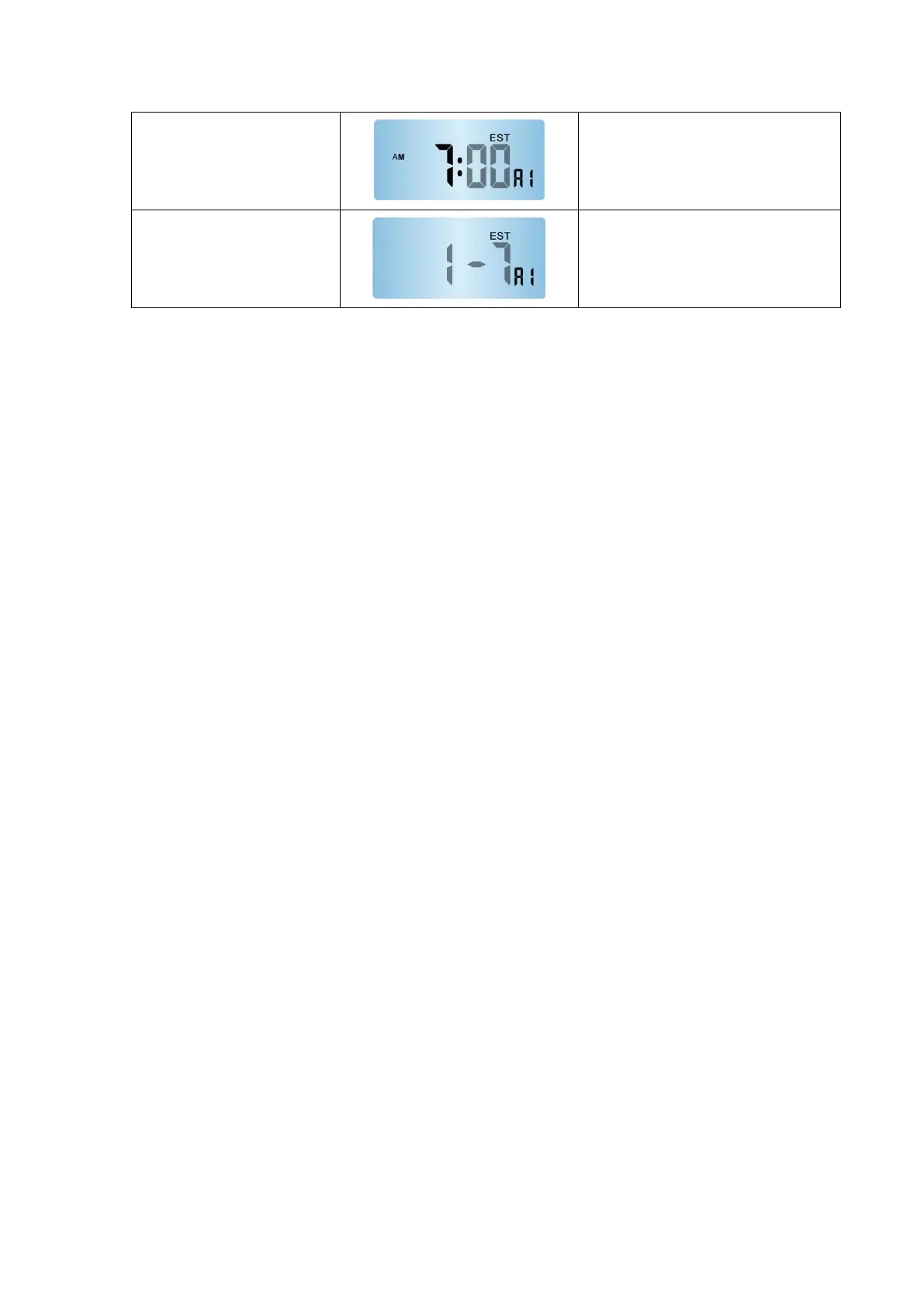
The key operation is the same as the
third step, this step sets the "minute" in
the ringing time;
Single press "
▲
/RF" or "
▼
/MEM" to
select the alarm repeat mode, and
single press "ALARM" key to confirm
the setting.
* The light-colored part of the on-screen text in the table indicates that the
character is flashing at that time.
3) The setting method of alarm 2 is the same as alarm 1;
4) There are three types of alarm clock repetitions: "1-7", "1-5", and "6-7", which
represent "Daily ring", "Only ring from Monday to Friday", "Only ring from
Saturday to Sunday";
5) When setting the alarm, single press the "▲/RF" key to increase the setting
item by one unit; long press it, the setting item will increase at a rate of 8 units
per second;
6) When setting the alarm, single press the "▼/MEM" key to decrease the setting
item by one unit; long press it, the setting item will decrease at a rate of 8 units
per second;
7) Without any operation within 20 seconds, the settings are automatically saved
and the setting mode is exited.
Outdoor temperature alarm settings:
1) Single press the "ALERT" key to choose to open or close the temperature
alarm function;



 To Next Page