Need help?
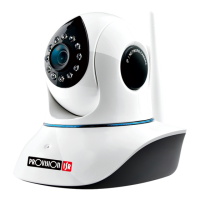
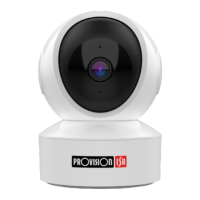
Do you have a question about the Provision ISR PT-848 and is the answer not in the manual?
Install the free 'Provision PnV2' App on your device and open it to register.
Click 'Register new' or 'Quick Registration', input username (min 6 chars) and password (min 8 chars), then submit.
Install camera using App's QR code; ensure phone is on the same network as the camera.
Set up camera wirelessly using 'New sound wave' option if supported by specific models.
Connect camera via LAN cable and add it to the network using the 'LAN installation' option.
Manually add camera by entering UID and default password or scanning the QR code.
Share camera access via QR code generated in the app for temporary sharing.
Configure cloud storage plans for 7-day or 30-day video retention, based on motion detection.
Reset the camera by holding the reset button for 10 seconds until a prompt is heard.
 General
| Brand | Provision ISR |
|---|---|
| Model | PT-848 |
| Category | Security Camera |
| Language | English |

 To Next Page