Tsunami
®
800 and 8000 Series - Hardware Installation Guide 71
Antenna Alignment Commands
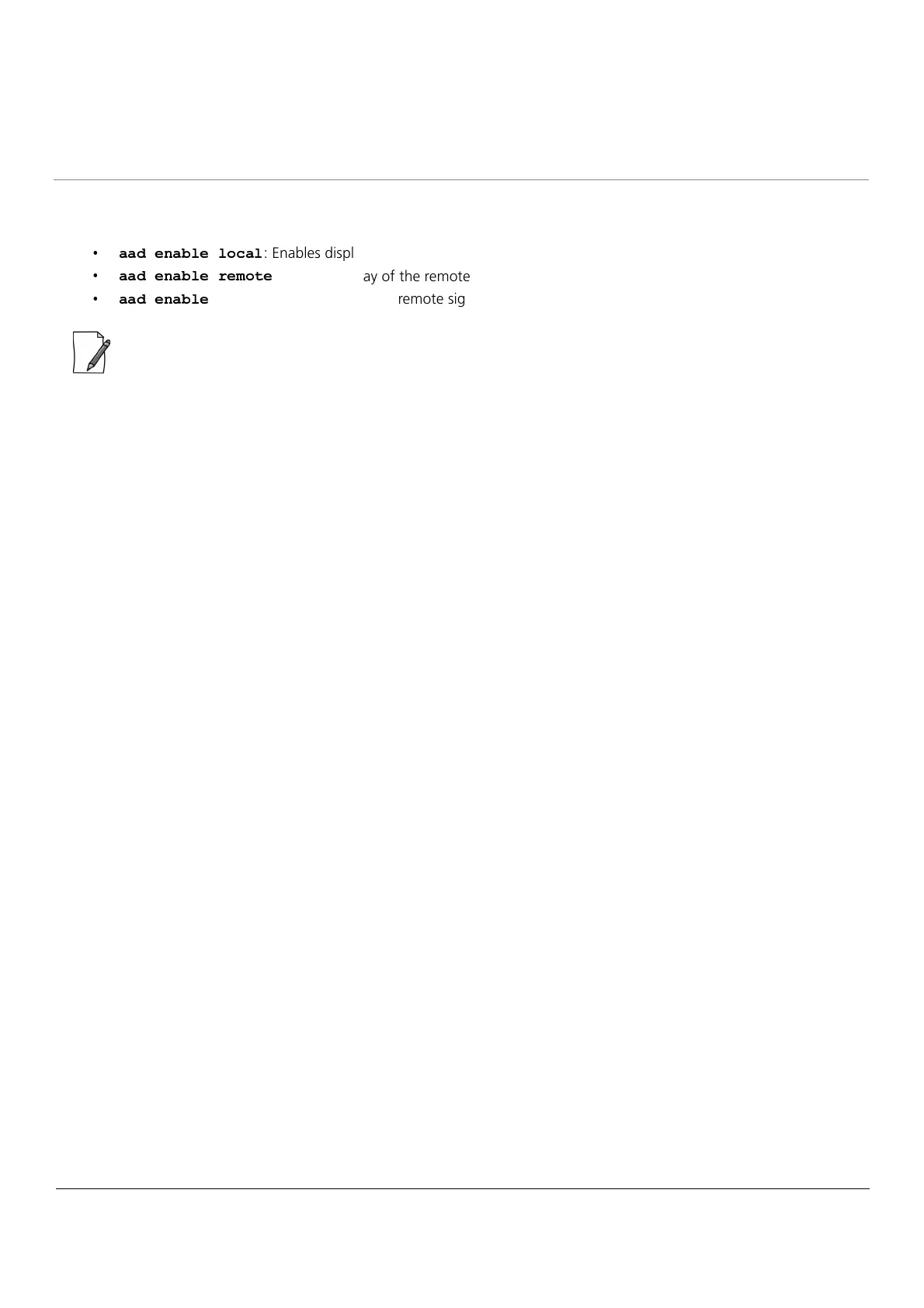
To enable the antenna alignment display from the CLI prompt, enter the following commands:
² ² ³ ´ µ ² ¶ · ´ · ¸ ¹ ² ·
: Enables display of the local signal, noise and SNR.
² ² ³ ´ µ ² ¶ · ´ º ´ » ¸ ¼ ´
: Enables display of the remote signal, noise and SNR.
² ² ³ ´ µ ² ¶ · ´
: Enables display of local and remote signal, noise and SNR.
: Use a flat blade screw driver to disconnect and pull out the Serial cable from the enclosure after the antenna
alignment is done. After withdrawing the cables, seal the serial port carefully to avoid water seepage.



 To Next Page
 Loading...






