17
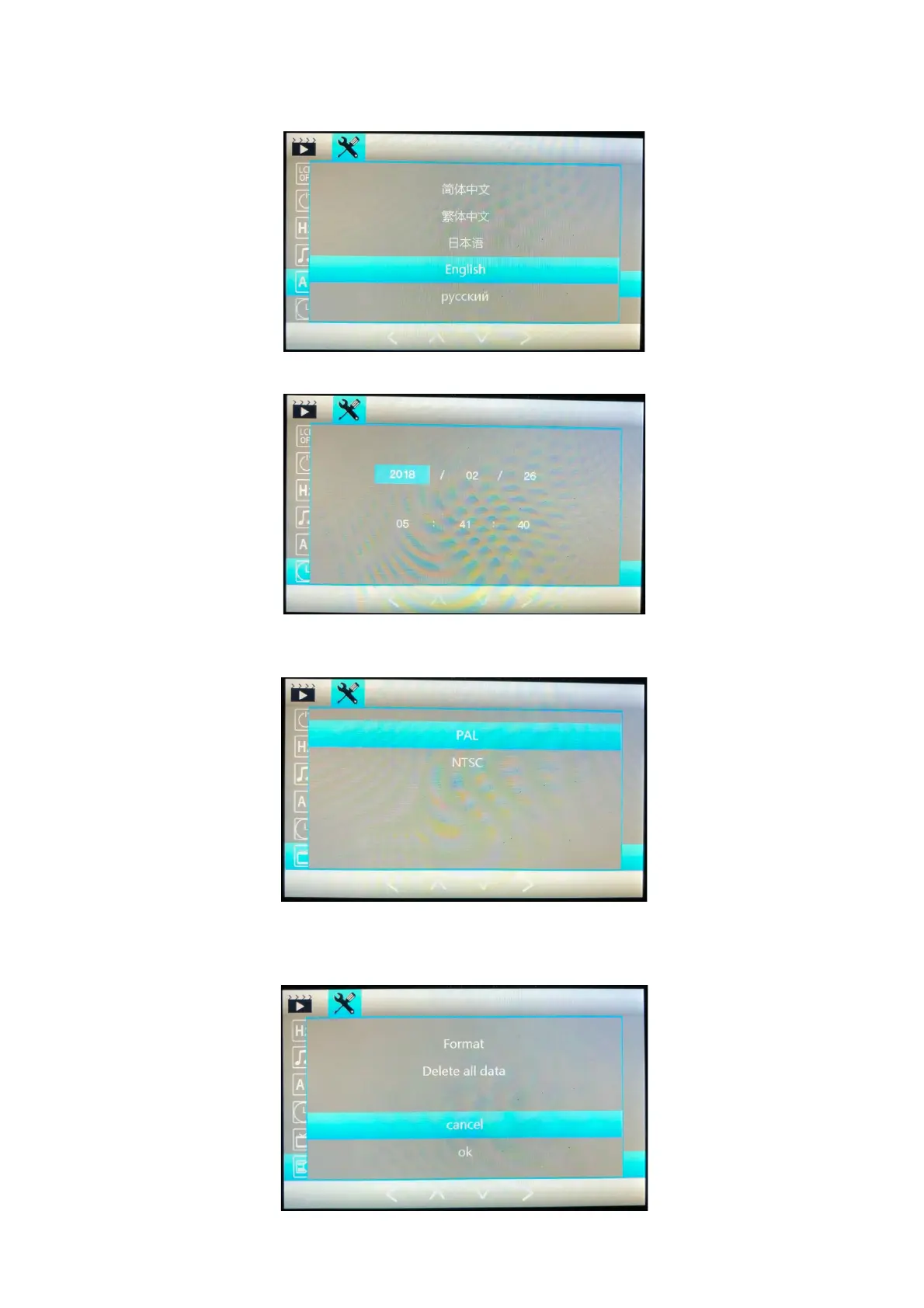
Language: Select Language - English, Italian, German, Spanish, French, Russian, Korean,
Chinese (Simplified), Chinese (Original).
Date / Time: Set the Date and Time.
TV Mode: The recording will be recorded in a TV mode to allow it to be viewed on other devices,
PAL is the EU region standard. PAL set as default.
Format: Insert SD card and go to Format, select OK on format to format the card for the camera.
If you need to format the card, it will delete any other data on the card and reformatting will clear
any previous recordings.



 To Next Page