18
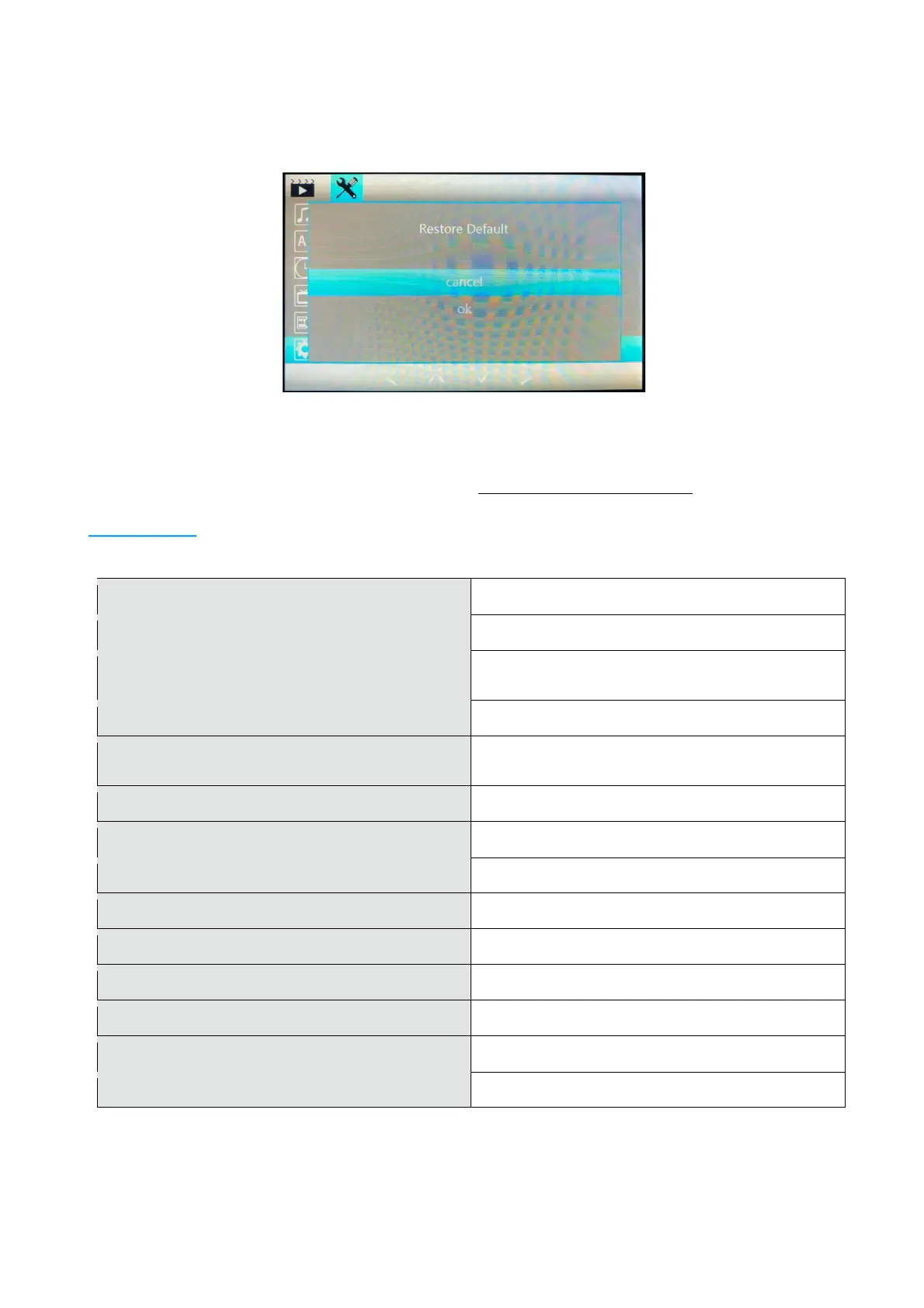
Default Settings: If you encounter any issues with the camera or need to reset to factory default
settings. Select OK and Confirm to reset all camera settings to default settings. You will be
required to format card again after reset to default.
Version: This shows the Version of firmware installed in the camera. For updates please check
the Proze website for future updates to the firmware. If experiencing difficulties, you can
download and install the firmware again to reset your camera. Go to the Proze website and follow
the instructions given to download latest firmware. www.proze-electronics.com
Specification
4” LCD Wide Screen Display
170 Degree Ultra Wide Angle High Resolution
(1080p) 8x Digital Zoom
120 Degree VGA Camera with Night Lights
English, German, Spanish, Italian, French, Russian,
Chinese Simplified, Chinese Traditional, Korean
File Format / Video Format
TF Micro SD - Max supported 32GB
Internal Supported (records in vehicle)
1: USB Disk 2: PC Connection


 To Next Page
 Loading...