7
Loop Recording - Time Frame (number will show duration of
recording selected)
Motion Detection (On/Off)
SD Card - Inserted correctly and reading
Recording Audio - (On/Off)
Power Connected / Battery
Recording – Red Numbers when recording
Recording Quality – 180/720/VGA
G-Sensor and Sensitivity – Low, Medium, High
Camera Set Up
Press the Menu Button to enter the menu of the Mode, press Menu again to enter the main
Camera Settings menu. Use the UP, DOWN and OK buttons to navigate through the menu.
RECORDING MENU: Press Menu button whilst in recording mode (stop recording to enter
menu).
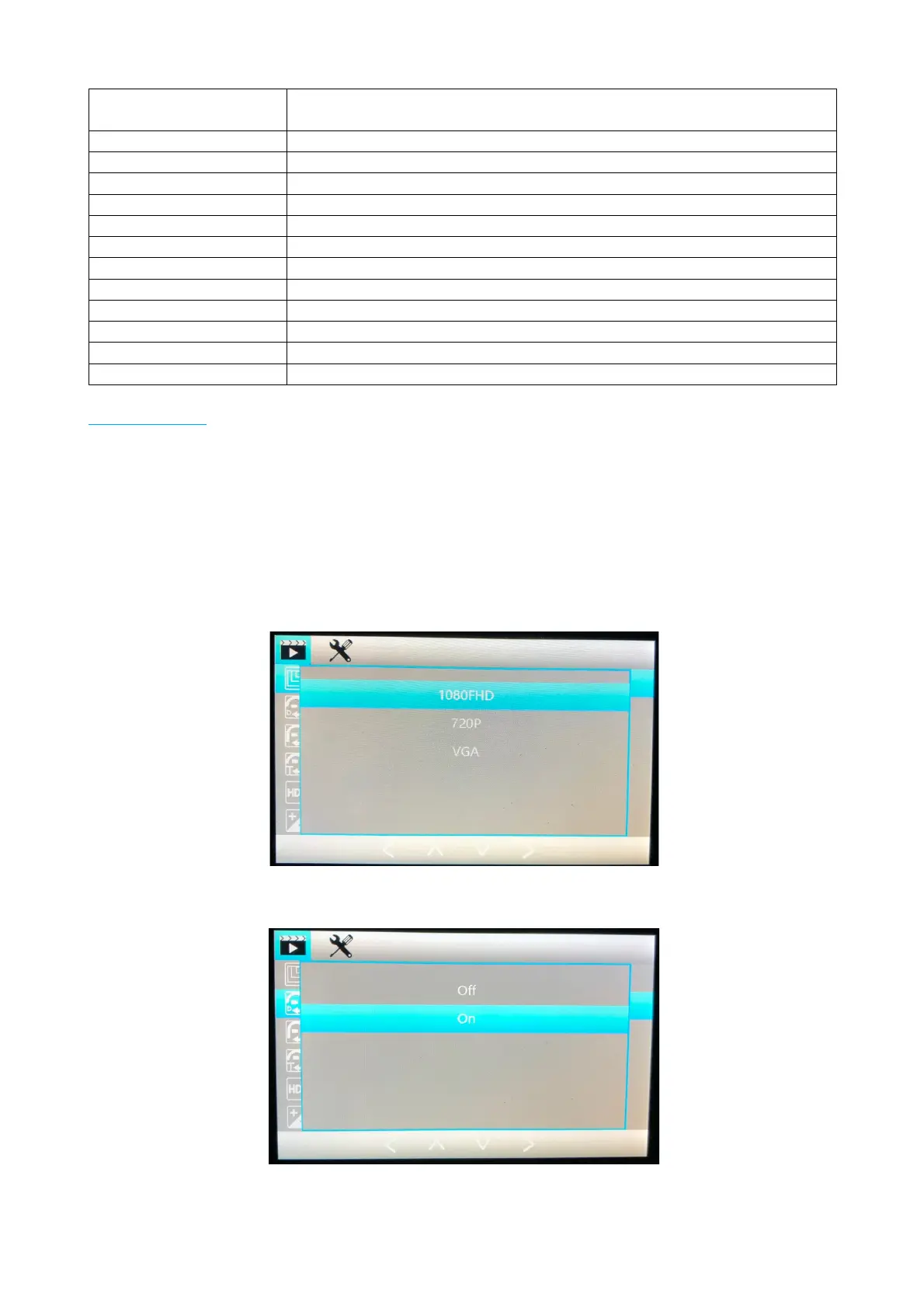
To make a change, select the setting by pressing OK button, then select the setting you would
like and press OK again to confirm.
Resolution: This is where you can select the recording quality.
Dual Camera: If you have the Rear Camera installed please select ON to enable all features for
both front and rear cameras.


 To Next Page
 Loading...