8
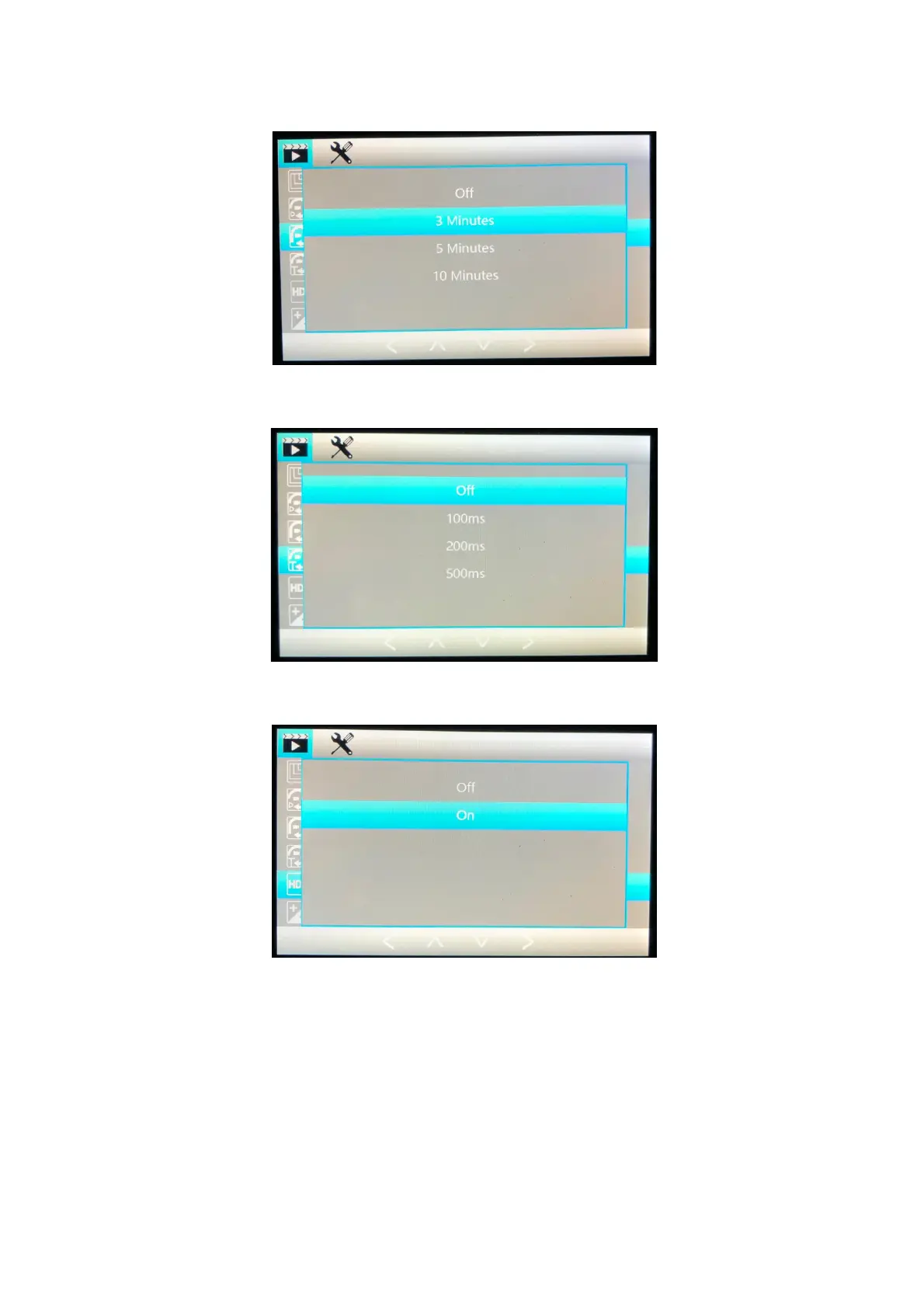
Cyclic Record: Select the length of time you would like your recording clips to be, this will be the
length of the recordings on your memory card.
Interval Record: Time between the recordings, if you want to separate the recordings, otherwise
when off the recordings will overlap by default.
High Dynamic Range: This switches the High Dynamic Range on or off. Recordings have a
greater dynamic light range when this is switched ON for High Quality video.
Exposure: This controls the exposure of level of light the camera allows into. If the picture
appears too white / light or dark, please adjust the exposure to find the right level of exposure.
The + will allow more light in and – will allow less light in.



 To Next Page