Operating Instructions of Main Functions
Screen Switch
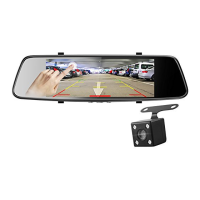
Touch the Screen to switch the image between Front, Rear, Picture in
Picture.
Screen Saver
Recommend setting: 3 Minutes
Select a time duration for the screen to stay lit after recording starts.
You can use a hot key shortcut for this feature. Press the Power Button
to turn the screen ON / OFF, when the screen is off, touch the screen
with your finger to turn the screen ON.
Emergency Lock
When recording the video, touch [Lock video] icon to start the
emergency lock, and the current video clip is stored as a protected file.
One-click Silent Mode
If you do not want to record the sound, press the Audio recording
button to start / stop mute mode.
Video Record function
Press the [OK] button to start / stop recording.
Tips: If it's your first time using this memory card, please format the
Micro SD Card on your PC with FAT32 file format. Dash cam only
supports the FAT32 file system.


 To Next Page