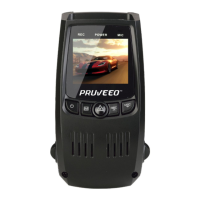
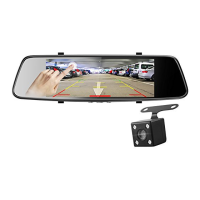
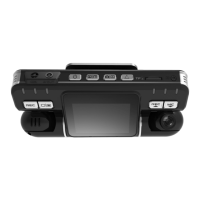
© 2018 PRUVEEO
All Rights
Re
s
er
v
ed
.
Warm Prompt
We recommend that you carefully read this manual before using the dash cam, then read
it again with the dash cam in your hands as this will help you to familiarize yourself with
its many features. The dash cam is constantly improved over time, so the specification of
the dash cam may change.
Please note that each button has multiple functions so please be careful which Buttons
you press in relation to each Mode / Function. There is no need to get frustrated because
you should only do this once in order to set it up in the way that you require.
1. Please ensure that the dash cam is SWITCHED OFF when you either insert or remove a
Micro SD Card, in order to avoid damage.
2. Please ensure that the Micro SD Card is inserted in the right way. If it is
inserted backwards, it might damage the dash cam and Card.
3. If the Micro SD Card is not compatible with the dash cam, please DO
NOT insert it again, as you will damage the Card and the dash cam. Please
buy the correct Card and then try again.
4. The dash cam supports the Micro SD card from 8GB to the highest 32GB, Class 10 only.
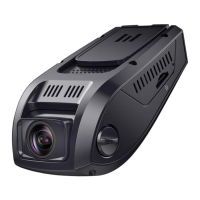
5. Adjust the position of the lens to ensure that you correctly record what you want.
6. We recommend a 32 GB Class 10 Micro SD Card for this dash cam.
7. In video recording mode, if you want to press Menu / Mode button, please stop
recording videos first by pressing the REC button.


 To Next Page