4826 Sterling Drive, Boulder, CO 80301
PH: 720.406.8946 service@psaudio.com www.psaudio.com
Questions and Answers 5
®
Questions And Answers
©2012 PS Audio International Inc. All rights reserved.
Owner’s Reference NuWave DAC
selector manually, simply using it in this manner will disable the Autoscan mode.
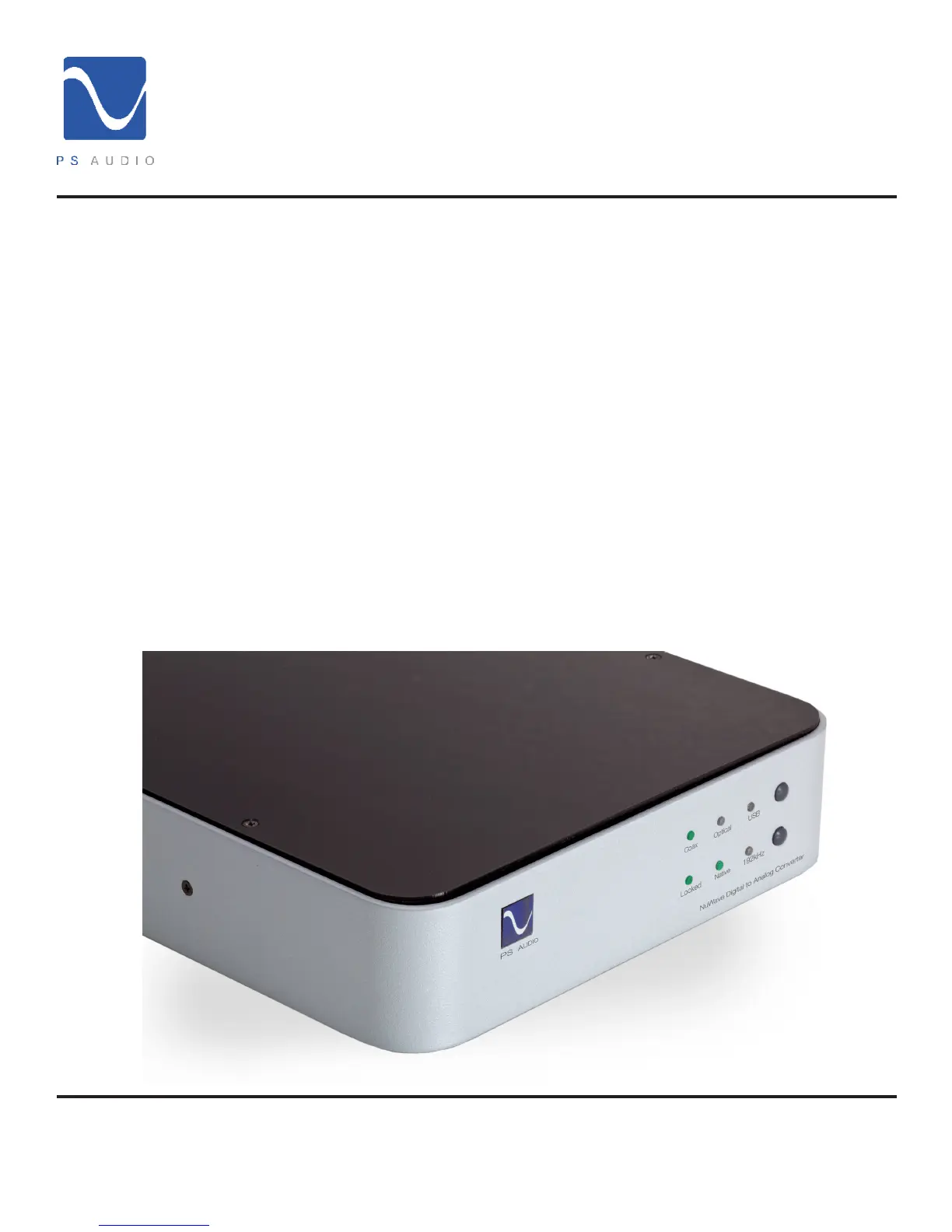
If you do not get a “locked” light on the front panel, check and make sure your digital source and digital
interconnects are working properly.
You do not need to install a driver for the USB connection if you have a Mac but it will be necessary if
you have a Windows based machine. The Windows USB driver is available for download on the PS
Audio website www.psaudio.com and go to our FAQ Knowledge Base section for the link or simply go
to http://updates.psaudio.com/MarkIIUSBDriver/USB-2.0Driver-V1.22.0.zip and download.
Unzip the le and then install the driver. Make sure the computer is booted properly and on then
install the driver. Make sure the NWD is on and then connect a USB cable between the NWD and
the computer which should indicate it recognizes a new device has been installed and should install
the appropriate software drivers to operate it. You can then choose to play music to the PS Audio
NuWave DAC. Detailed instructions are available in this manual’s Troubleshooting section.
The NWD is specic to your country’s voltage. Do not use the NWD on a voltage higher than it is
rated for. For instance, do not take a 120 volt rated NWD and attempt to use it in a 230 volt country.
Failure to observe this cautionary note will void your warranty and may damage the DAC. If you need
to operate the NWD at a voltage other than the voltage it was designed for, contact your dealer,
distributor or the factory.
What voltages
can the NWD run
on?
Do I need to
install a software
driver for the
USB?
What if I can’t get
a lock light?



 To Next Page