®
Page 5 / Version 1,0
PS GmbH
Melisau 1255
6863 Egg / Austria
FN 326841 z / ATU64996348
Troubleshooting
Lock is open and the keys are not working:
•
The battery low alarm was activated.
•
Please insert a new battery.
Key is not working:
•
Is there any sound appearing? If so, please try
to activate the key with the programming card.
•
No sound: Try to find the right position at the
furniture. The keys have a higher range if you
place them fast at the right point than moving
slowly.
I lost my key:
•
Delete all keys with the programming card
•
Activate all keys again
The programming card does not work:
•
Do you have a second card?
•
If not, please unscrew the locks, press the but-
ton on the backside and teach the lock the pro-
gramming card again.
Motor runs, lock stays locked:
•
Maybe there is some pressure on the bolt in the
lock.
•
Move the door in all possible directions and try
it again
•
Press the door in and use your key again.
•
Adjust the locking devices after such a problem.
No sound with any card:
•
Use a flat iron part (not a screwdriver) and
break up the furniture. The rated breaking point
Security advice
Fixing the locks
Tighten with care and manually.
Please avoid using any strong electri-
cal power.
Distance in battery mode
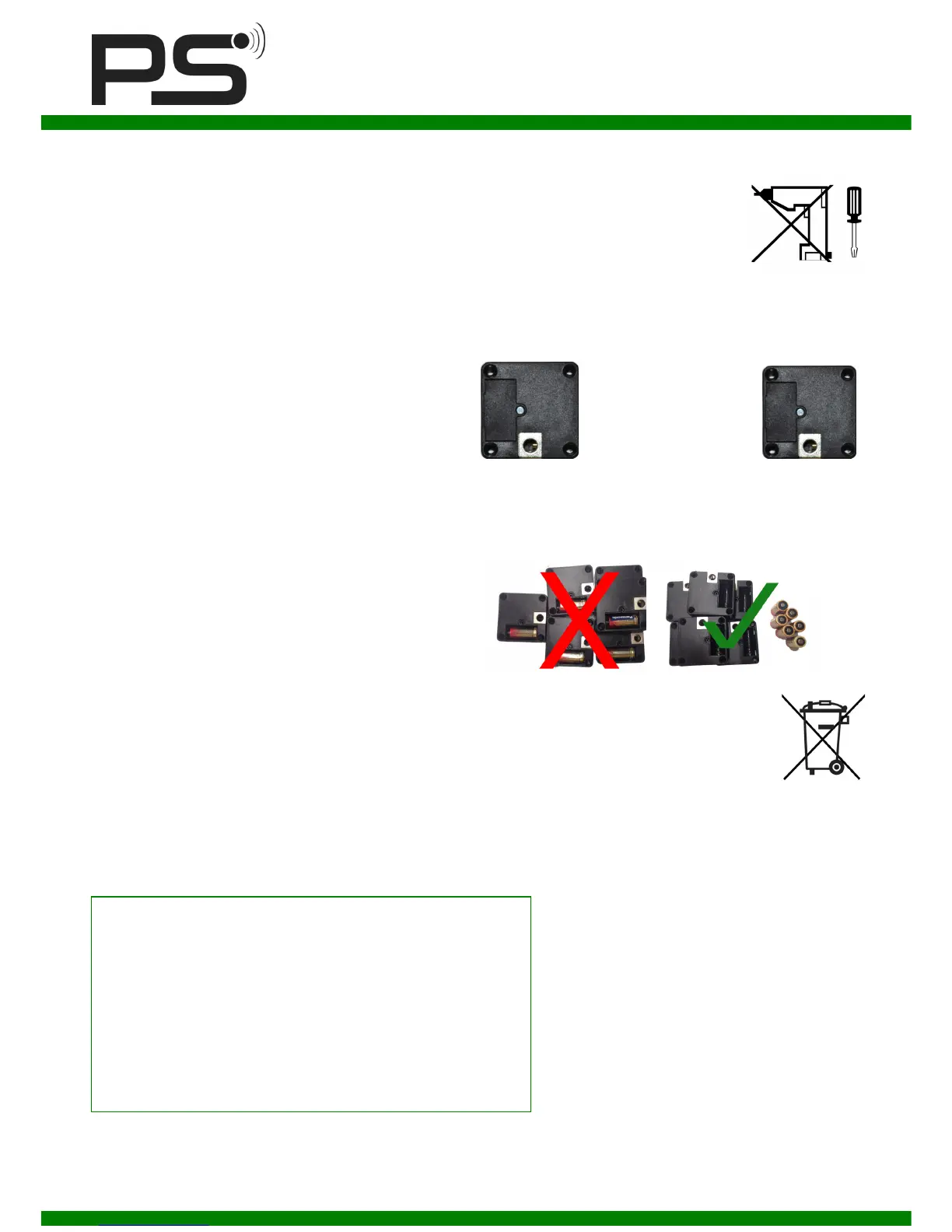
To avoid disturbances between the locks, please keep a
minimum distance of
< 10 cm >
Store
Whenever you prepare locks in advance, please remove
the battery immediately. Insert the battery again when
you have the minimum distance.
Disposal
All waste electrical and electronic equip-
ment must be collected separately from
general rubbish to be reused or recycled.



 To Previous Page
 Loading...