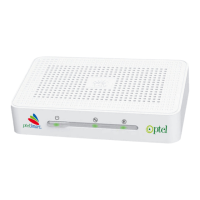
EC1309V2
User Guide 3 Use STB for the First Time
14
Step 2
Turn on the TV, and then change the signal input mode to a
correct mode such as AV, or HDMI.
For example, if the default input signal type of the TV is
HDMI and the STB is connected to the TV through an AV
cable, you need to adjust the input mode of the TV to AV.
Step 3
Press the power switch on the rear panel of the STB.
The method of selecting a signal input mode varies
according to TV vendor and model. For details, see the
corresponding instructions in the user guide of the TV.


 To Next Page
 Loading...