EasyManua.ls Logo

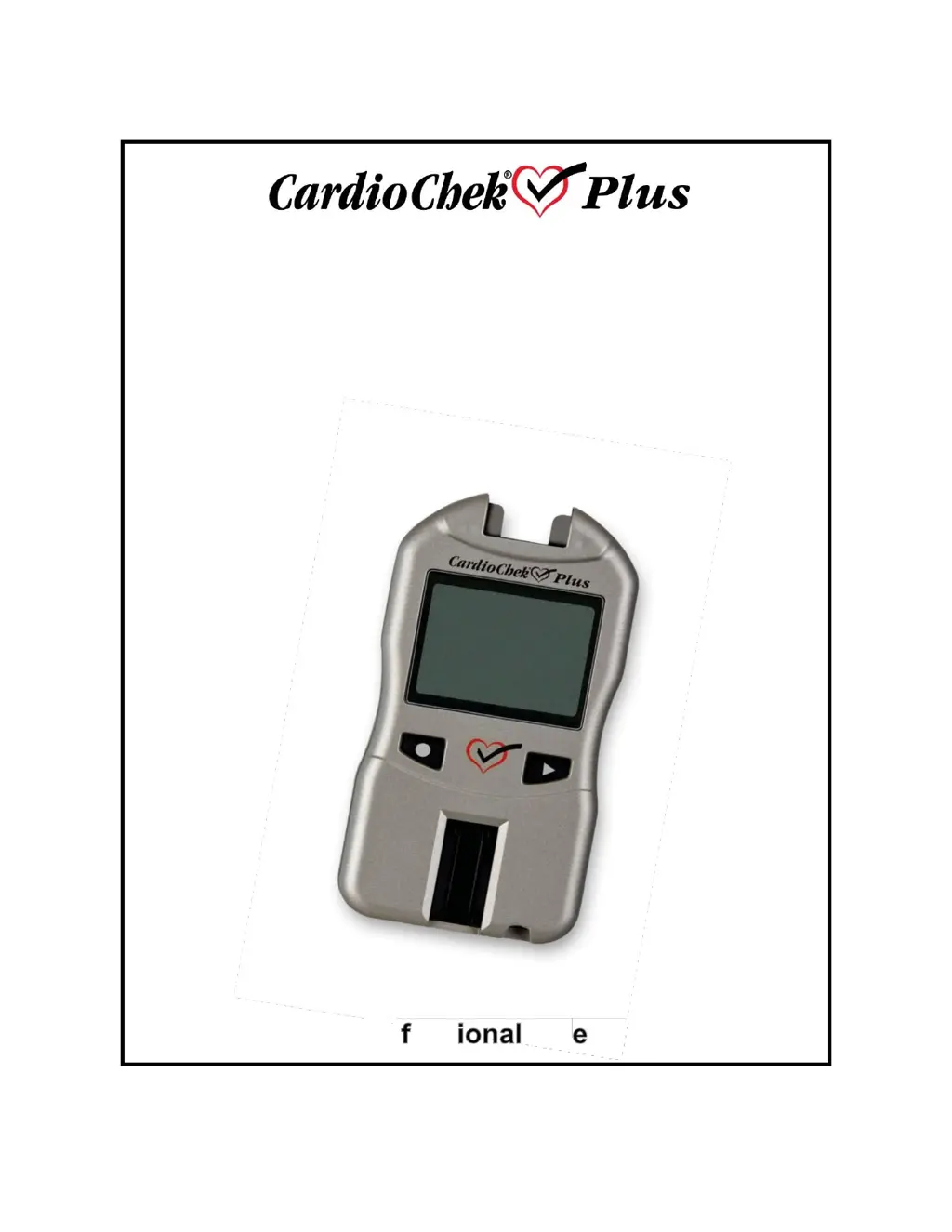
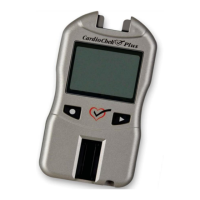
pts Diagnostics CardioChek Plus - User Manual

pts Diagnostics CardioChek Plus
51 pages
Print Icon
To Next Page IconTo Next Page
Loading...
Professional Test System
Portable Whole
Blood
Test System
User
Guide
For Pro ess Us

Table of Contents

Questions and Answers

  • R
    Randy ButlerSep 9, 2025
    What does 'PRINT ERROR' mean on pts Diagnostics CardioChek Plus?
    • L
      Leslie SmithSep 9, 2025
      If your pts Diagnostics Measuring Instruments displays 'PRINT ERROR', it means the print function has been interrupted. You can print the result in MEMORY or test again.
  • M
    Michele CookAug 22, 2025
    What does 'EXPIRED LOT' mean on my pts Diagnostics CardioChek Plus Measuring Instruments?
    • L
      Lynn Fuller PhDAug 23, 2025
      If your pts Diagnostics Measuring Instruments displays 'EXPIRED LOT', it indicates that the test strips are expired, the wrong MEMo Chip is inserted, or the date is not set properly. Check the test strip expiration date and ensure the correct MEMo Chip is inserted. Also, verify the date setting.
  • J
    joshua74Aug 25, 2025
    How to fix 'INSTALL MEMO CHIP' error on pts Diagnostics CardioChek Plus Measuring Instruments?
    • A
      Alejandro HopkinsAug 25, 2025
      If your pts Diagnostics Measuring Instruments displays 'INSTALL MEMO CHIP', it means the MEMo Chip is not properly inserted or is defective. Try inserting the same or a new MEMo Chip properly.
  • T
    taylorjessicaAug 26, 2025
    Why does my pts Diagnostics CardioChek Plus say 'TOO MUCH LIGHT'?
    • B
      bryanballardAug 27, 2025
      If your pts Diagnostics Measuring Instruments displays 'TOO MUCH LIGHT', it means the test is being performed in direct light or outside. Perform the test inside, away from windows, and away from direct lamp light.
  • S
    stephaniepetersAug 27, 2025
    What to do if pts Diagnostics CardioChek Plus Measuring Instruments displays 'TEST ABORTED'?
    • J
      Jesse DavisAug 27, 2025
      If your pts Diagnostics Measuring Instruments shows 'TEST ABORTED' on the pts Diagnostics Measuring Instruments, it means the test strip was not properly inserted or was removed before the test was complete. Test again with a new test strip.
  • C
    cheyenneloweryAug 29, 2025
    Why does my pts Diagnostics CardioChek Plus display 'FAILED' during a check strip test?
    • D
      Daniel BeckAug 29, 2025
      If 'FAILED' is displayed during a check strip test on your pts Diagnostics Measuring Instruments, it could be because the analyzer needs to be cleaned or the check strip is dirty or damaged. Wipe the test strip slot with a clean, damp, and lint-free cloth. Try using a spare check strip.
  • R
    Randy FloresSep 17, 2025
    What does 'HIGH TEMP' mean on pts Diagnostics Measuring Instruments?
    • O
      onealcodySep 18, 2025
      If the display shows 'HIGH TEMP', it indicates that the analyzer is above the acceptable operating temperature. Move it to an environment with an acceptable temperature and test again after the analyzer reaches the proper temperature.
  • J
    Jessica MorrisSep 19, 2025
    What to do if pts Diagnostics Measuring Instruments displays 'INSTALL MEMO CHIP'?
    • R
      roberthallSep 22, 2025
      If the display shows 'INSTALL MEMO CHIP', it means that the MEMo Chip is not properly inserted or is defective. Try inserting the same or a new MEMo Chip properly.
  • K
    Kristen IbarraSep 7, 2025
    Why does my pts Diagnostics Measuring Instruments only say 'LANGUAGE'?
    • G
      gpriceSep 7, 2025
      If your pts Diagnostics Measuring Instruments displays 'LANGUAGE', it means the analyzer is new or the language option has not been set. Follow the user guide instructions to set the language.
  • S
    Samuel CarrollSep 4, 2025
    What does 'MEMO CHIP ERROR' mean on pts Diagnostics CardioChek Plus?
    • R
      Rachel JohnsSep 5, 2025
      If your pts Diagnostics Measuring Instruments displays 'MEMO CHIP ERROR', it means the MEMo Chip is defective. Use another MEMo Chip from the same lot.

Summary

CardioChek Plus Analyzer Introduction

Intended Use and System Overview

Details the system's purpose, components, and testing capabilities for professional healthcare settings.

MEMo Chip Functionality and Guidelines

Explains the role of the MEMo Chip in test calibration, expiration, and operation, with usage guidelines.

Test Limitations

Lists specific limitations for eGLU, glucose, and lipid panel test strips, including sample types and potential interferences.

Setting Up and Configuring the Analyzer

Battery Installation and Replacement

Provides instructions for installing, replacing, and recommended battery types for the analyzer.

Analyzer Menu Navigation

Details how to navigate analyzer menus using the Enter and Next buttons.

Initial Analyzer Setup

Guides on setting the analyzer's language, date, and time for first-time use.

Customizing Analyzer Settings

Guides on adjusting units, sound, and Wi-Fi settings for optimal operation.

Printer Setup and Result Printing

Instructions for setting up the analyzer for printing and retrieving stored test results.

Accessing Help and System Information

Explains how to find technical support, analyzer details, serial number, software version, and network information.

Performing Tests with the CardioChek Plus

Analyzer Verification with Check Strips

Describes the process of using a check strip to verify the analyzer's electronic and optical system functionality.

Quality Control Testing Procedures

Outlines the importance of quality control and instructions for running tests using control materials.

Blood Sample Collection and Test Execution

Covers essential steps for blood testing, including sample collection techniques and helpful hints.

Running Reflectance and Electrochemical Tests

Provides step-by-step instructions for performing reflectance, electrochemical, and combined tests.

Managing Stored Test Results

Details how to review past test results stored in the analyzer's memory and how to clear the memory.

Analyzer Maintenance, Specifications, and Support

Wi-Fi Connectivity and Data Management

Explains Wi-Fi capabilities, compatibility, data management, and troubleshooting wireless connection issues.

Analyzer Care, Cleaning, and Disinfection

Provides instructions for proper storage, handling, cleaning, and disinfection to maintain the analyzer's condition.

CLIA Information and Compliance

Details general CLIA requirements, waiver status, and necessary certifications for laboratory use.

Technical Specifications

Lists the analyzer's physical dimensions, operating conditions, power requirements, and specifications for test strips and accessories.

Contact, Warranty, and Symbol Explanations

Provides support contact info, warranty details, and explains common user manual symbols.

pts Diagnostics CardioChek Plus Specifications

General IconGeneral
DisplayLCD
Operating Humidity10% to 90% non-condensing
Storage Humidity10% to 90% non-condensing
Battery LifeApproximately 1000 tests
Test ParametersCholesterol, HDL, Glucose, Triglycerides
Sample TypeCapillary whole blood, venous whole blood
Test TimeLess than 2 minutes
MemoryUp to 30 test results
Operating Temperature10°C to 40°C
Storage Temperature-20°C to 60°C
Power SourceBattery operated

Related product manuals