Output Resolution
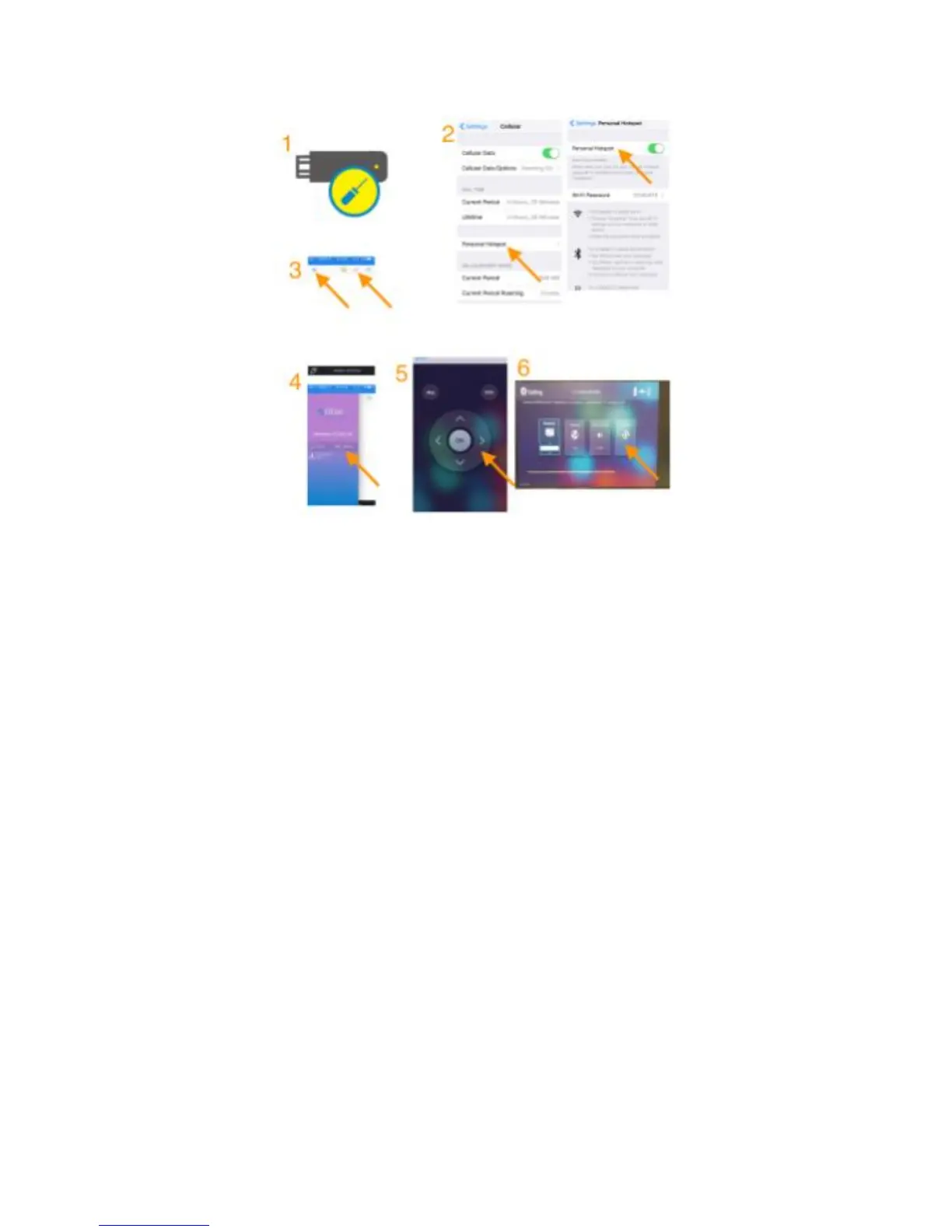
(1) Insert a paper clip into the hole on the PTVwire, and push the key
inside the hole to enable HotSpot mode (Internet)
(2) Enable “Personal HotSpot” of your iOS* device
Note: Cellular (3G/4G) data is needed at your iOS device,
(3) Launch EZCast App. Click the “Wire” Button on the right to
establish connection, and then click the “Menu” Button.
(4) Click the “Setting” button
(5) Use the keypad to control PTVwire
(6) Switch to your favor output resolution (ex 1080p)


 To Previous Page