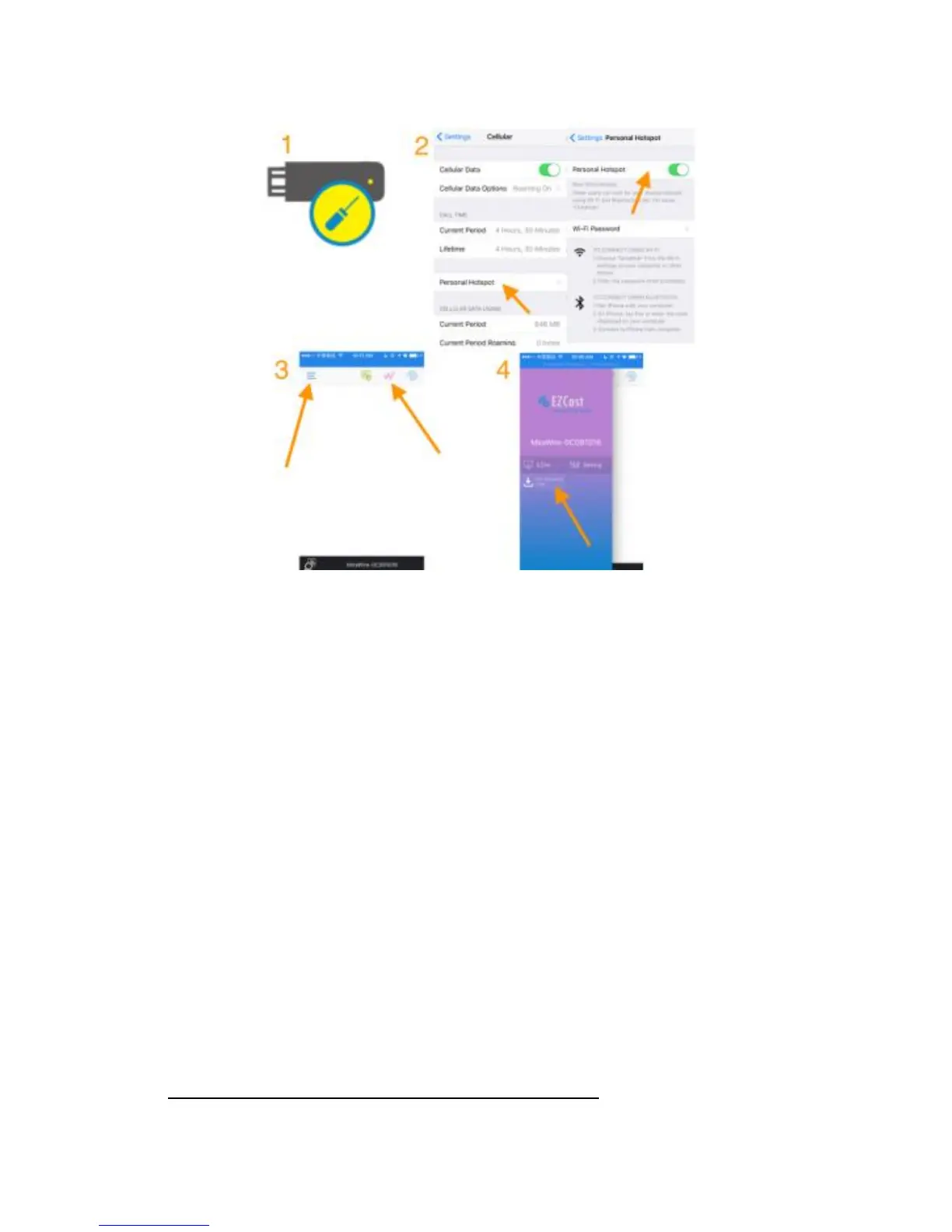
Firmware Upgrade
(1) Insert a paper clip into the hole on the PTVwire dongle, and push
the key inside the hole to enable HotSpot mode (Internet)
(2) Enable “Personal HotSpot” of your iOS* device
Note: Cellular (3G/4G) data is needed at your iOS device,
(3) Download “EZCast” App, launch it. Click the “Wire” Button on
the right to establish connection, and then click the “Menu” Button on
the left
(4) Click the “Firmware OTA” button
Note: Please DO NOT power off during upgrade.


 To Next Page