5
1. Built-in Programs Mode
Press mode until it shows Prxx, you can select 17 different built-in Programs. Press “SETUP” and
“UP” “DOWN” buttons to select the programs (from Pr01 to Pr17) and select the desired program
values.
When it shows Pr01, press “SETUP” to choose from seven static colours.
When it is Pr02 to Pr17, press “SETUP” and “UP” “DOWN” buttons, you can set the values for
flash(FS00-FS99), fading time(Fd00-Fd99), running speed(SP00-SPFL).
2. Auto Run Mode
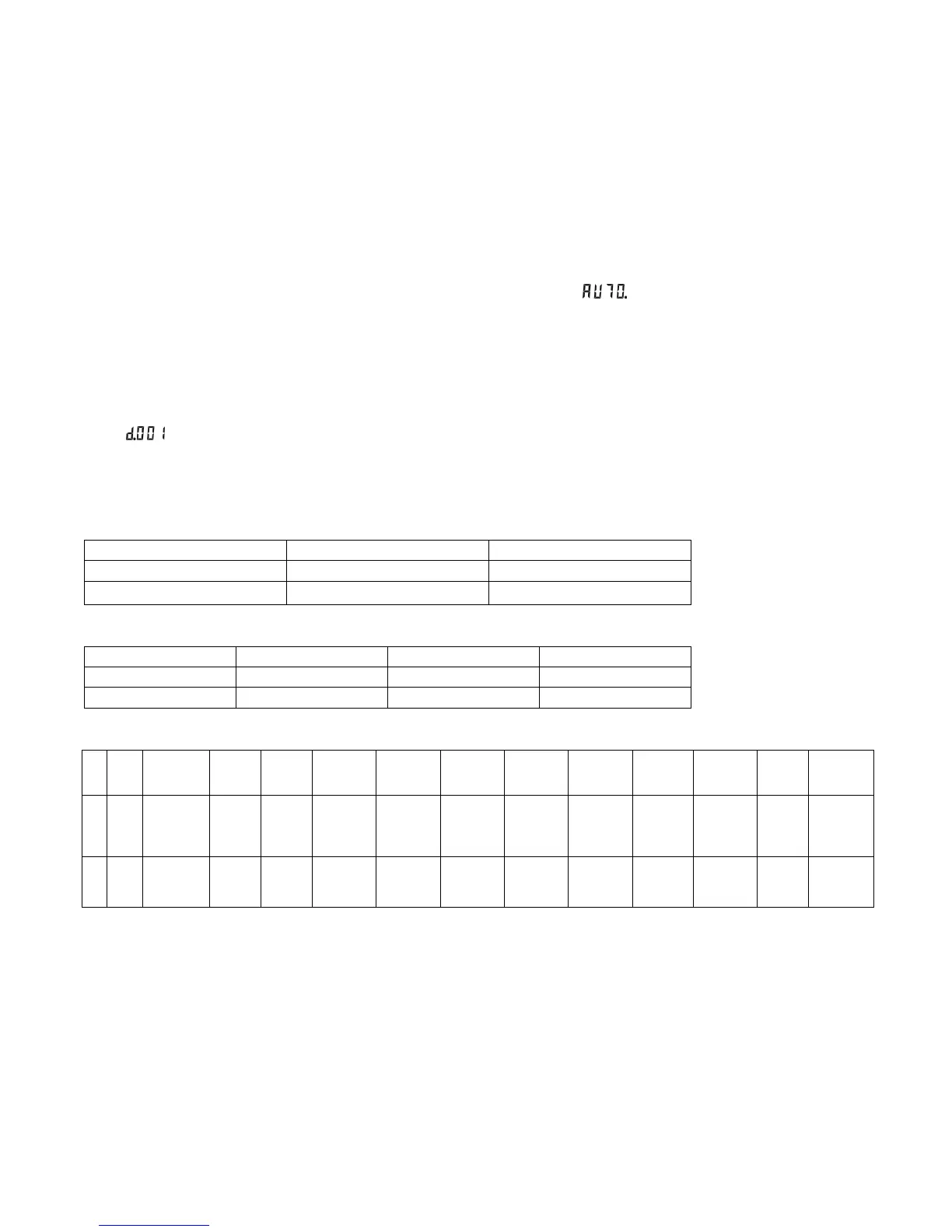
You can press “MODE” button to select auto run mode, it shows , then it will run the built-in
programs automatically.
Press “SETUP”, it shows n. 001, then you can adjust the running loops number by “UP” “DOWN”
If continuing pressing “SETUP”, it will show SPxx, Fdxx, FSxx, then you can set the value for speed,
fading and flash by “UP” “DOWN”
3. DMX Mode
You can control the devices individually via your DMX-controller. Press “MODE” button until it shows
, this means DMX address is 001, you can set the DMX address by “UP” and “DOWN” buttons. If
press “SETUP” button, it will show d-p1 , it means the device is in which DMX mode 1. You can switch
these DMX modes by “UP” and “DOWN” buttons. There are 6 DMX modes.
DMX Profiles:
DMX mode 1: d.-P1
CH1 CH2 CH3
R dimming G dimming B dimming
0-255 0-255 0-255
DMX mode 2: d.-P2
CH1 CH2 CH3 CH4
R dimming G dimming B dimming RGB dimming
0-255 0-255 0-255 0-255
DMX mode 3: d.-P3
C
H
1
CH
2
CH3 CH4 CH5 CH6 CH7 CH8 CH9 CH10 CH11 CH12 CH13 CH14
R
1
+
R
2
G1+
G2
B1+B2 R3+R4 G3+G4 B3+B4 R5+R6 G5+G6 B5+B6 R7+R8 G7+G8 B7+B8
flash dimming
0-
2
5
5
0-
255
0-255 0-255 0-255 0-255 0-255 0-255 0-255 0-255 0-255 0-255 0-255 0-255


 To Next Page
 Loading...