19.12.2018
Essential MP 02 instructions
Send
• Starts a call
• Answers a call
• Puts a call on hold
• On the Home screen: accesses call history
• In a settings menu: saves settings
• Long press on an incoming call: answers the phone with the hands-free option activated
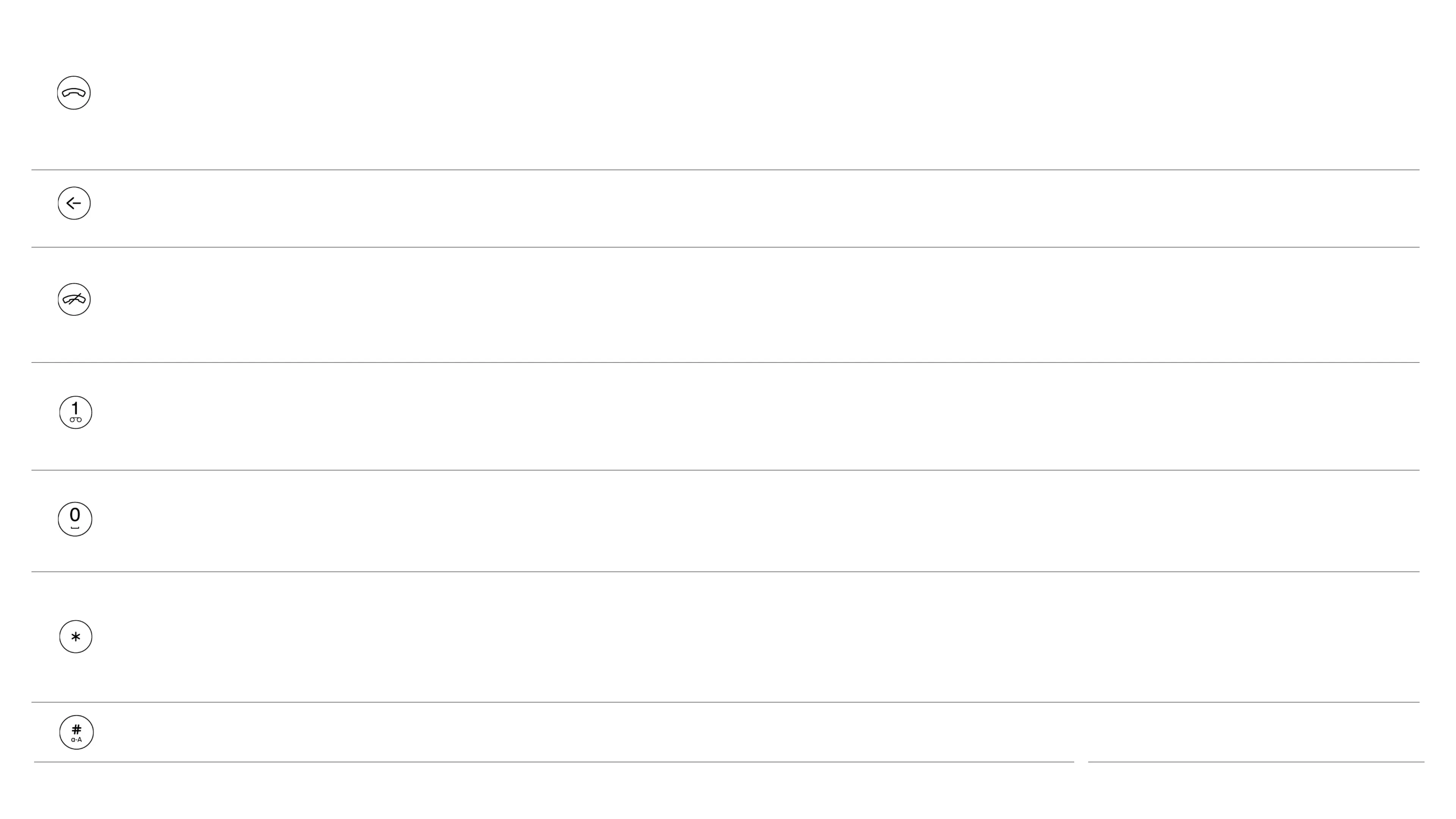
Back
• Returns to the previous screen
• Deletes a character
End
• Ends a call
• Rejects a call
• Returns to your Home screen
• Press and hold on the Home screen: turns the phone off
Number keys
(1to9)
• Long press on the Home screen: uses a shortcut
• Long press 1: dials voicemail
• Enters a number or letter
Zero
• Inserts a space when entering text
• Enters a zero when entering numbers
• Press and hold when entering a phone number: inserts a + symbol
Star
• Reveals symbols list when entering text
• Enters symbols, for example+, when entering a phone number
• Press and hold in a call: puts the phone on mute
• Long press in message composer: selects emoticons
Hash
• Changes input mode when entering text: switches between predictive, multi‑tap modes and numbers
• Long Press in message composer: selects language
4



 To Next Page