https://help.pura.com/en 1-844-292-7872
Pura 4 Diuser Setup Guide
1. Download and launch the Pura app
2. Sign In or Create Account
a. Sign in or create an account to begin setting up your Pura diuser.
3. Home Screen
a. Once you've signed in, you'll be taken to the home screen of your app. To set up a new Pura
diuser, click the button Set Up Diuser.
4. Select Pura 4 Diuser
5. Plug in Pura
a. Plug your diuser into the desired outlet. When plugging your Pura 4 in, make sure it is
placed in an upright position.

 Need help?
 General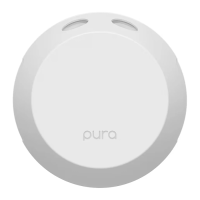

 To Next Page
