EasyManua.ls Logo

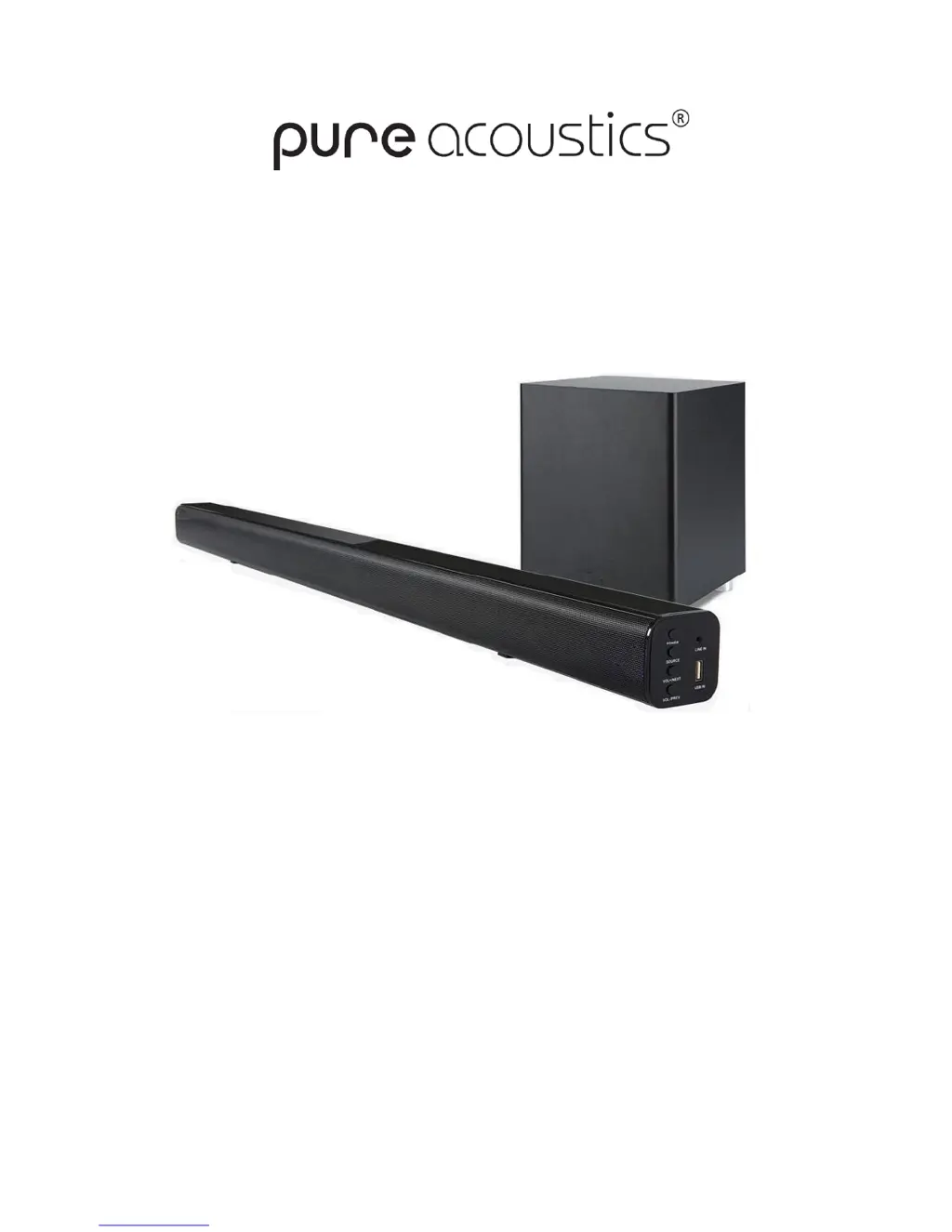
Pure Acoustics SBW-175 - User Manual

Pure Acoustics SBW-175
7 pages
Print Icon
To Next Page IconTo Next Page
Loading...
www.pure-acoustics.com
Model #SBW-175
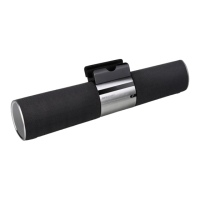
Wireless Bluetooth Surround Bar & Subwoofer
User manual
&
Safety Guide

Questions and Answers

  • Y
    youngashleyAug 3, 2025
    What to do if my Pure Acoustics SBW-175 have no sound or distorted sound?
    • M
      Melissa CrosbyAug 4, 2025
      If you're experiencing no sound or distorted sound from your Pure Acoustics Speakers, there are several potential causes: * The audio cables might not be properly connected. Ensure they are correctly plugged into the appropriate inputs. * The volume could be set too low. Try turning up the volume. * The sound might be muted. Press the MUTE button on the remote control to turn the sound on. * Playback might be paused. Press the Play/Pause button.
  • H
    Heather WilsonAug 9, 2025
    Why is my Pure Acoustics SBW-175 Speakers remote control not working?
    • C
      Chad OlsonAug 10, 2025
      If the IR remote control for your Pure Acoustics Speakers isn't working correctly, consider these possibilities: 1. **Batteries:** Ensure that 2 AAA/1.5V batteries are installed correctly or replace them with new ones if they are depleted. 2. **Obstructions:** Remove any obstacles blocking the remote sensor and ensure the remote is pointed directly at the sensor. 3. **Range:** Verify that you are using the remote within its operational range. 4. **Power:** Switch off the unit and disconnect it from the AC outlet. Then power the unit on again.
  • K
    kerrysmithAug 18, 2025
    How to troubleshoot a Pure Acoustics Speakers unit that has no power?
    • S
      sanchezdavidAug 18, 2025
      If your Pure Acoustics Speakers have no power, it could be due to the following: * The unit may not be properly connected to the power supply. * The power cable might not be correctly connected to the outlet. To resolve this, ensure the unit is connected to the power supply and try connecting the cable to a different outlet.
  • D
    Deborah RobertsAug 26, 2025
    What to do if the buttons on my Pure Acoustics SBW-175 are not working?
    • J
      James MorenoAug 26, 2025
      If the buttons on your Pure Acoustics Speakers unit aren't working, it might be due to interference from static electricity. To resolve this, switch off and unplug the unit, then reconnect the plug to the power supply and switch it on again.

Summary

Safety and Usage Guidelines

Caution and Safety Precautions

Essential safety advice for operation, including power, environment, and cleaning.

Product Features and Panel Overview

Key Product Features

Highlights of the soundbar system, including Bluetooth, surround sound, and inputs.

Main Panel Controls and Ports

Description of buttons and connections on the soundbar's main panel.

System Connections

Connecting Audio Sources

Guide to connecting devices via Line In, Optical, Bluetooth, and FM radio.

Wireless Subwoofer Setup

Instructions for establishing the wireless connection with the subwoofer.

Remote Control Operation

Remote Control Usage Guidelines

How to use the remote control, including range and positioning.

Remote Control Button Functions

Explanation of each button's function on the remote control.

Troubleshooting and Specifications

Troubleshooting Common Issues

Solutions for problems like no power, sound distortion, or remote control malfunctions.

Technical Specifications

Key technical details of the soundbar system, including power and frequency response.

Pure Acoustics SBW-175 Specifications

General IconGeneral
Frequency Response40Hz - 20kHz
Channels2.1
Enclosure TypeBass Reflex
ConnectivityBluetooth, Optical, AUX
Driver Size6.5 inch

Related product manuals