2
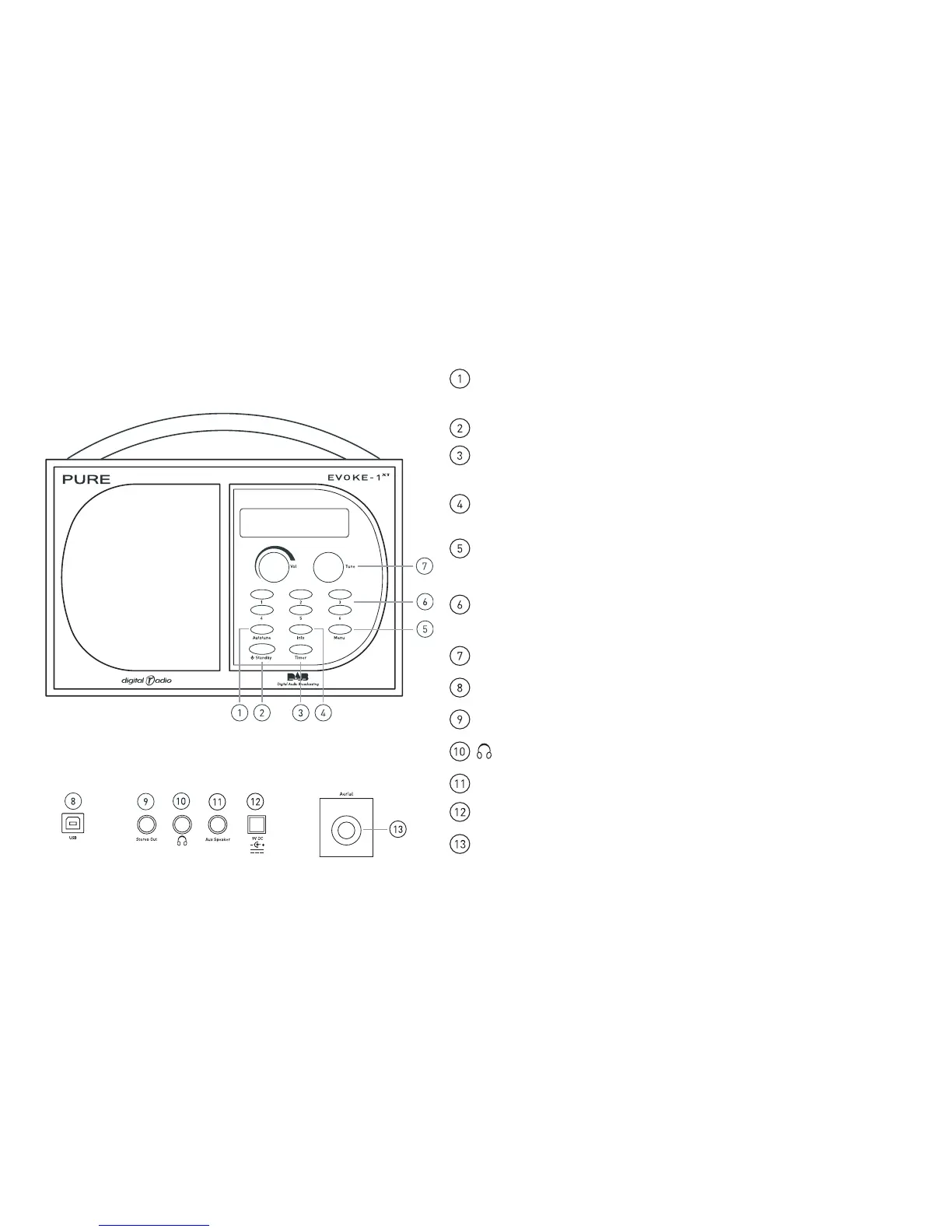
Controls and Connectors
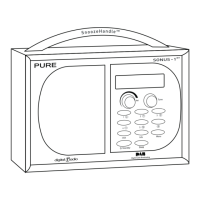
Autotune – press and release to scan UK only Band III. Press and hold for
around two seconds to scan the full range of digital frequencies in Band III.
Standby - press to switch between standby mode and power on
Timer - press and use Tune to set a countdown timer which will sound an
alarm after the period you set (range from 1 min to 23hr 59 mins)
Info - press and repeat to change the text shown on the bottom of the
display e.g. scrolling text or time and date.
Menu - press to access and exit setup menu options, turn the Tune knob to
scroll through and push to select an option.
Presets (1-6) - press and hold for around two seconds to store a station
under that number. Press and release to select and listen to a preset.
Tune - turn to scroll through and press to select stations and menu options.
USB - connect to a PC for software upgrades
Stereo Out - analogue output - connect to an external amplifier or recorder
Headphone - connect to headphones (mutes speaker)
Aux Speaker - connect to an optional XT-1 speaker for full stereo output
9V DC - connect to mains adapter
Aerial - F-type connector for the supplied telescopic or other aerial
Front panel
Rear panel


 To Next Page