2
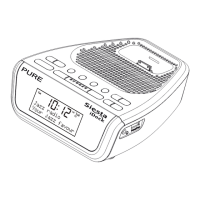
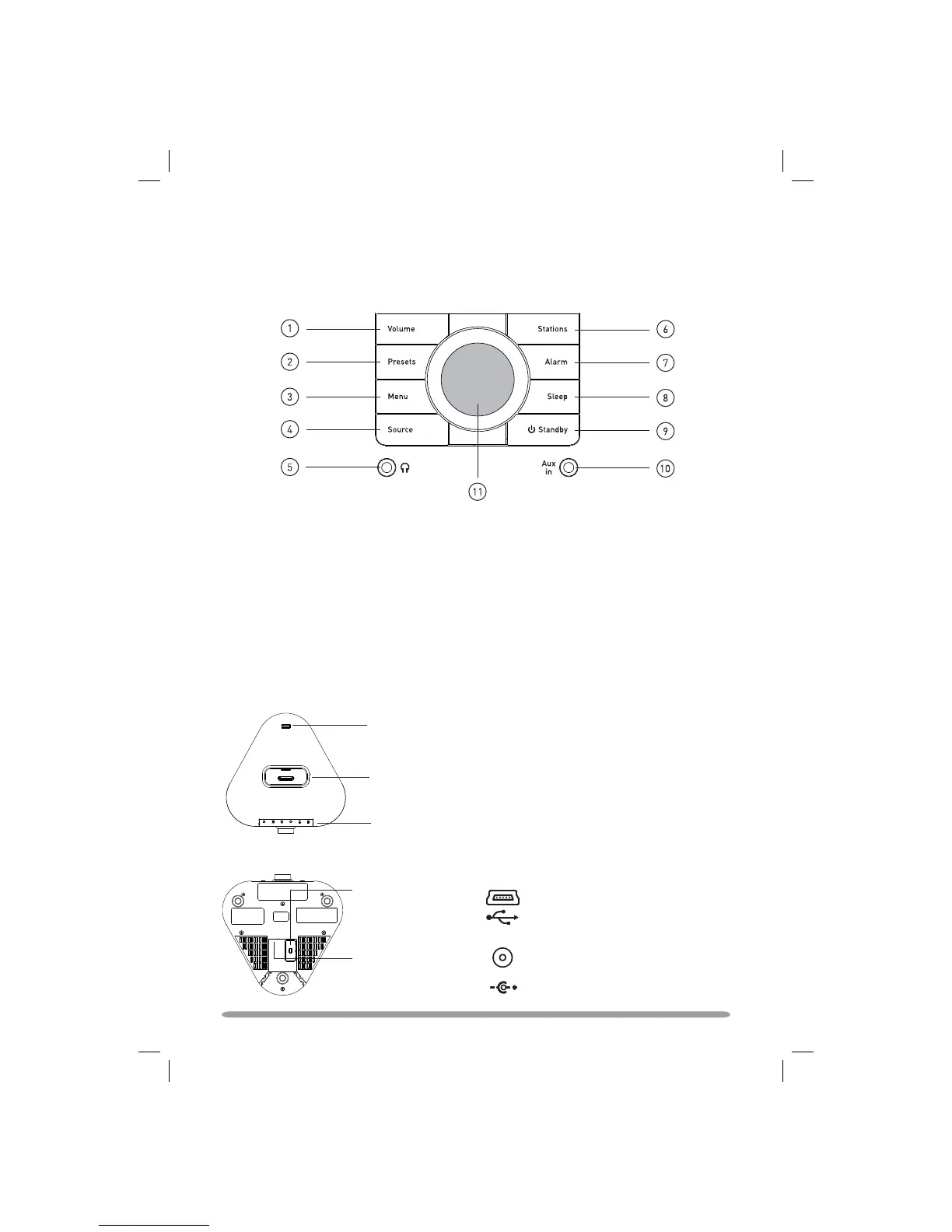
Overview of the controls and connectors
Snooze button
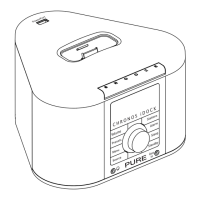
iPod/iPhone dock
Underneath
USB input socket
(mini B type) for
upgrades
9V DC
Power input socket for
supplied 9V DC mains
adapter
Front panel
PowerPort
for compatible USB accessories
Top
PowerPort
1. Adjust the audio volume
2. Store and select preset stations
3. Enter options menu
4. Switch between DAB/FM/iPod/Auxiliary
source
5. 3.5mm stereo headphone socket
6. Enter station list (DAB) or tuning (FM)
7. Enter alarm setup
8. Set sleep timer
9. Switch between Standby and On
10. 3.5mm auxiliary socket
11. Navigation dial. Rotate to navigate
menus, push to confirm selections


 To Next Page
 Loading...