EasyManua.ls Logo

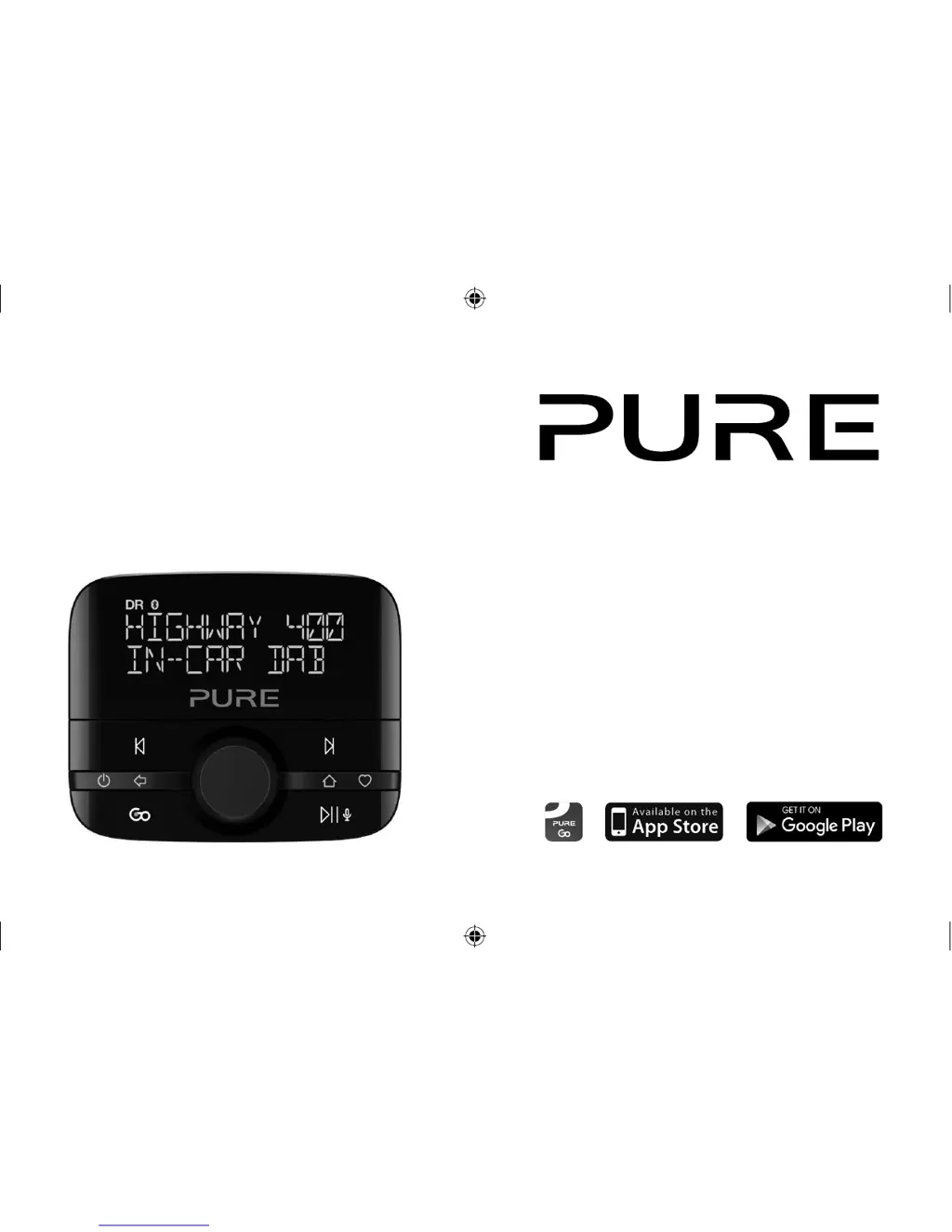
PURE Highway 400 - User Manual

PURE Highway 400
160 pages
Print Icon
To Next Page IconTo Next Page
Loading...
Highway 400
Highway_400_Euro_v1.indb 1 2/24/2016 4:21:23 PM

Table of Contents

Other manuals for PURE Highway 400

Questions and Answers

  • T
    turnerhollyJul 27, 2025
    What to do if my PURE Adapter displays 'ANTENNA CONNECTING'?
    • M
      Mrs. Tina Quinn MDJul 27, 2025
      If your PURE Adapter displays 'ANTENNA CONNECTING' or 'CHECK POWER TO ANTENNA', it indicates that the antenna isn't connected to the power supply or the controller isn't paired correctly. Here's what you can do: * First, remove the power adapter from the 12V socket and then re-insert it. If the antenna is receiving power, its status light will illuminate for 5 seconds, and the controller should connect within 30 seconds. * If this doesn't work, you may need to pair the controller with the antenna. Use a paperclip to press the reset button on the antenna until the status light flashes slowly. Then, place the controller within 50cm of the antenna, and press and hold the specified buttons together. If it still doesn't connect after 30 seconds, repeat the pairing steps.
  • T
    Terry RodriguezAug 1, 2025
    Why is my PURE Highway 400 Adapter wireless controller unresponsive?
    • S
      Sabrina BowmanAug 1, 2025
      An unresponsive or blank screen on your PURE Adapter wireless controller is likely due to dead batteries or a software issue. Try replacing the batteries first. If that doesn't work, remove and reinsert the batteries to restart the device.
  • M
    Matthew HarringtonAug 6, 2025
    Why is the status light on my PURE Highway 400 Adapter antenna constantly lit?
    • D
      David HolmesAug 6, 2025
      A constantly lit status light on your PURE Adapter antenna usually means your device is in update mode. If an update is in progress, let it finish. If you are not updating the software, try removing the power adapter from the 12V socket and then re-inserting it. The status light should then light up for 5 seconds, and the controller should connect within 30 seconds.
  • G
    Grace BrownAug 11, 2025
    How to fix a flashing status light on PURE Highway 400 antenna?
    • J
      John PittmanAug 11, 2025
      A flashing status light on the PURE Adapter antenna indicates that the controller has lost connection with the antenna. To fix this, you'll need to pair the controller with the antenna: 1. Use a paperclip to press the reset button on the antenna until the status light flashes slowly. 2. Place the controller within 50cm of the antenna, then press and hold the specified buttons together. If the controller doesn't connect within 30 seconds, repeat these steps.
  • R
    Rebecca LopezAug 16, 2025
    Why is the sound distorted on my PURE Adapter Highway?
    • T
      Todd WellsAug 16, 2025
      Sound distortion on your PURE Adapter Highway when connected with an auxiliary cable usually means the gain setting isn't correct. Set the gain setting to 'LOW' or change to FM transmission.
  • H
    heather19Aug 21, 2025
    Why does my PURE Highway 400 keep turning off?
    • M
      marvin60Aug 21, 2025
      If your PURE Adapter keeps switching off by itself, the auto standby mode is likely switched on. If this is happening too often, change the auto standby setting.

Summary

Introduction

Package contents

Lists all items included in the Highway box, such as receiver, controller, and cables.

Installing Highway in your vehicle

Important safety notice

Crucial safety guidelines to prevent interference with vehicle safety systems and ensure proper installation.

Receiver positioning overview

Guidance on selecting the optimal windscreen location for the receiver based on safety and signal reception.

Considerations before installing Highway

Minimum vehicle requirements

Outlines the necessary vehicle audio system and power supply specifications for Highway installation.

Installation preparation

Covers checking for software updates and testing component positions before final installation.

Component positioning

Recommendations for placing the receiver and wireless controller for optimal usability and performance.

Audio system connection

Details the two methods to connect Highway to your car's audio system: auxiliary or FM transmission.

Receiver overview

Receiver components and features

Describes the receiver's status LED, film antenna, reset button, and optional magnetic grounding tail.

Installing the receiver

Cable routing overview

Installing the main cable

Step-by-step guide on routing the main power and audio cables safely and effectively within the vehicle.

Connecting the receiver to the power supply

Installing the wireless controller

Overview

Controls

Detailed explanation of all buttons and the select dial on the wireless controller for device operation.

Display

Switching on and off

Instructions on how Highway powers on/off automatically with the vehicle or manually via the controller.

Switching on Highway for the first time

Listening to digital radio

Switching to digital radio

Steps to select digital radio mode and change between available stations.

Using presets

Guide on saving and selecting favorite digital radio stations for quick access.

Pairing Highway with a phone or tablet

Streaming audio stored on your phone or tablet

Browsing and selecting tracks

How to navigate and select music tracks from a paired phone or tablet.

Controlling playback

Instructions for pausing, playing, and skipping tracks during audio streaming.

Streaming from a music streaming service

Using Highway with your mobiles personal assistant feature

How to activate and use the mobile device's personal assistant via the Highway controller.

Settings

Digital radio settings

Configuration options for digital radio, including autotuning for new stations.

Settings

Alternative station

How to enable automatic tuning to alternative stations when reception is poor.

Traffic announcements

Configuration for automatic tuning to traffic announcements and cancelling them.

Settings

Display settings

Options to change menu language and view radio station information like quality and signal strength.

About

Software updates

Appendix

Resetting Highway to factory settings

Procedure to restore Highway to its original default settings, clearing all stored data.

Troubleshooting: Controller and Receiver Setup

Addresses reset issues, controller connection, and receiver status LED behavior.

Appendix

Troubleshooting: Operation and Audio

Covers status LED flashing, controller unresponsiveness, audio distortion, and device auto-off problems.

Appendix

Troubleshooting: Connectivity and Performance

Addresses Bluetooth, DAB signal, sound, freezing, battery life, and audio input issues.

Technical specifications

PURE Highway 400 Specifications

General IconGeneral
Radio typeCar
Tuner typeDigital
FM band range87.6 - 107.9 MHz
DAB III band range174 - 240 MHz
Auto digital tuningYes
Supported radio bandsDAB, DAB+, FM
Storage temperature (T-T)-40 - 85 °C
Operating temperature (T-T)-20 - 65 °C
RMS rated power- W
Built-in speaker(s)-
Display typeLCD
Backlight colorWhite
Bluetooth profilesA2DP, AVRCP
Number of batteries included2 pc(s)
ColorationMonochromatic
ProjectionNo
Antenna typeExternal
Product colorBlack
Volume controlRotary
Compatible battery sizesAAA
Number of batteries supported2
Power sourceAC/Battery
AC input voltage12 V
DC input voltage5 V
CertificationCE, EN 62479: 2010
Weight and Dimensions IconWeight and Dimensions
Width- mm

Related product manuals