Dock your iPod or iPhone
Connect the mains power adapter to the 7.5V DC socket
on the rear of i-20 (see page 7), plug into the mains and
switch on.
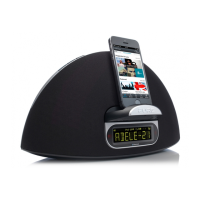
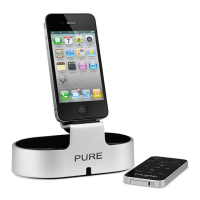
To dock your iPod or iPhone, place it over the connector
and push down firmly. When correctly docked, your iPod
or iPhone will begin charging. The padded seat of the
dock helps hold it securely in place.
When some iPod/iPhone models are docked, volume controls on
the iPod/iPhone are disabled. Adjust volume with the i-20 remote.
i-20_user_guide_ML.indb 9 28/10/2010 14:52:11


 To Next Page