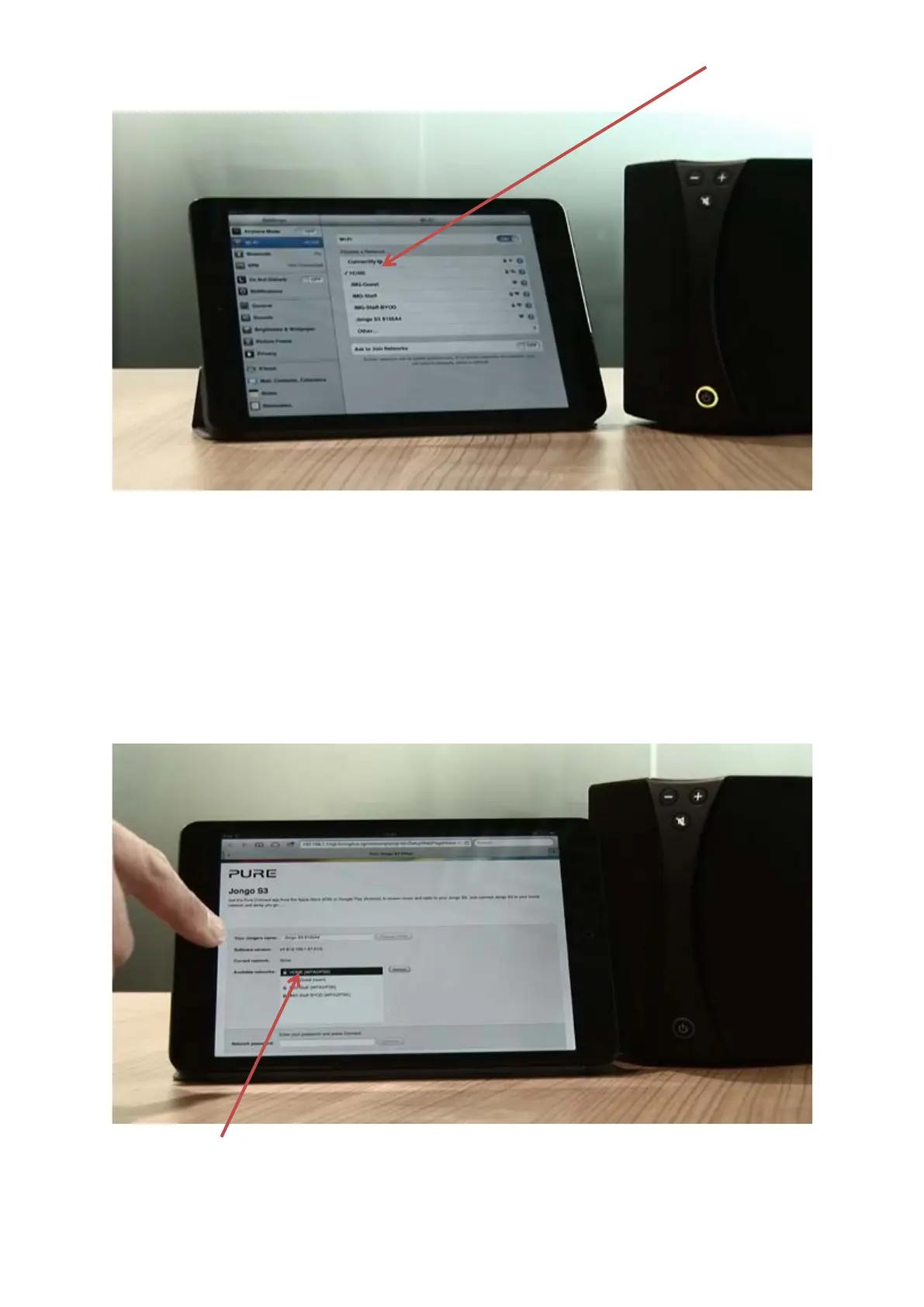
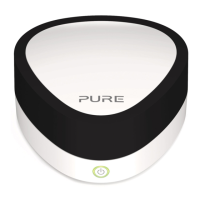
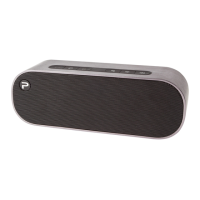
On your mobile device, in your wireless network settings, search for the available wireless networks. Your
Jongo will be listed as a network.
Connect to this network and then wait for a few seconds.
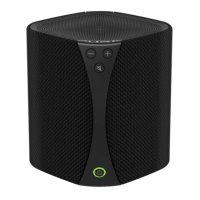
On your mobile device the Jongo setup page will now open automatically (See picture below).
On an Android device it may be an item to click on in your notification tray.
If it does not open then open the internet browser on your mobile device and enter myjongo in the address
bar.
You can now select your wireless network from the list of available networks by tapping on it.
Scroll down and enter your network password and then tap “Connect”


 To Next Page