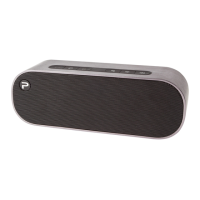
6
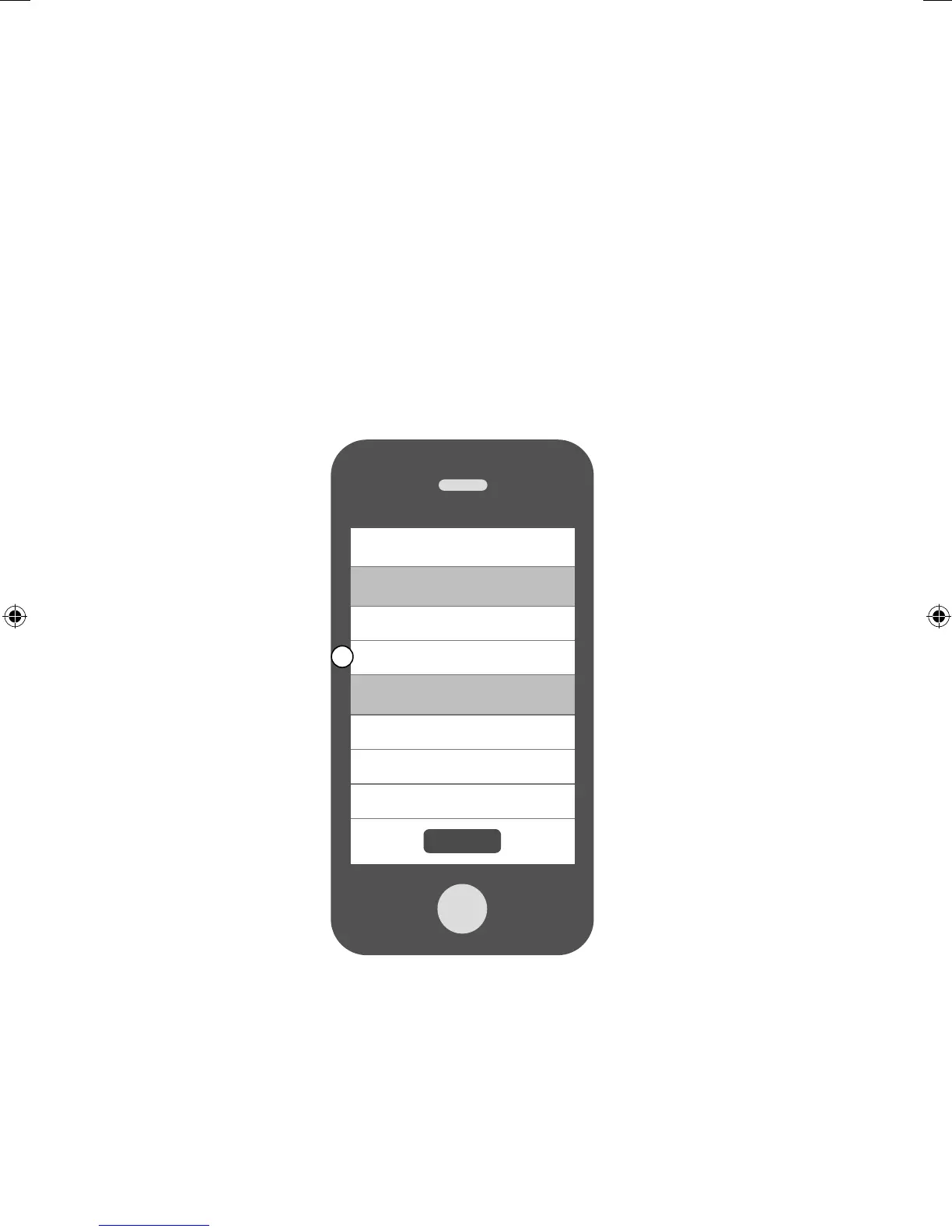
If you have already connected a Jongo to your Wi-Fi, follow the steps below to add
another Jongo to your Wi-Fi.
A. Open the Pure Connect app and sign in.
B. Open the Settings menu.
C. Tap Set up a Jongo and follow the prompts on screen.
Adding another Jongo to
your Wi-Fi
Sign out
My devices
1 Jongo available
›
Set up a Jongo
›
Help and support
Help Center
›
Take the tour
›
Terms and conditions
›
C
Jongo_T2_T4_QSG-Bear-US-v1.indb 6 9/2/2014 11:32:02 AM


 To Next Page