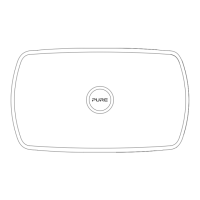
4
Overview
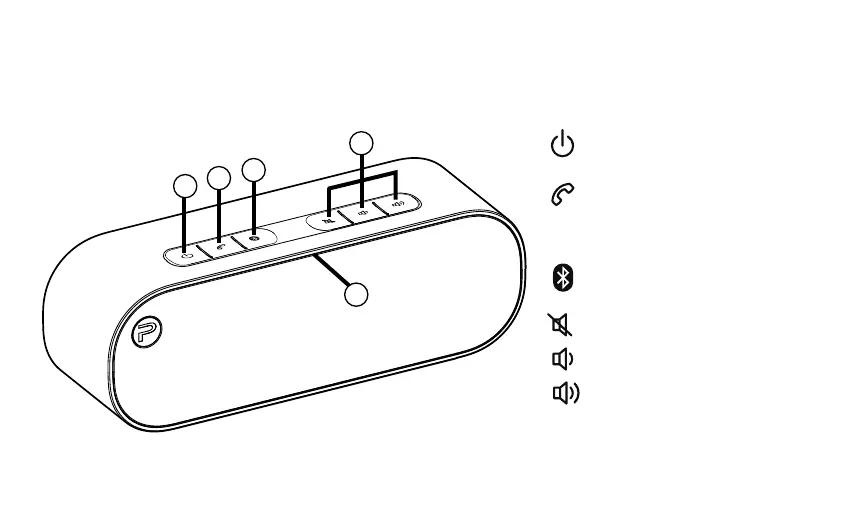
Controls
1
2
3
4
1. Press and hold to switch Voca
on or off.
2.
P
ress to answer/hang-up a
phone call from a paired mobile
phone (see page 8 for more
information).
3. Press to pair with a new
Bluetooth device.
4. Press to mute volume*.
Press to decrease volume.
Press to increase volume.
5. Microphone for phone calls.
5
*The mute button does not mute Voca’s microphone.
Voca-Euro.indb 4 2/26/2015 10:36:48 AM


 To Next Page