EasyManua.ls Logo

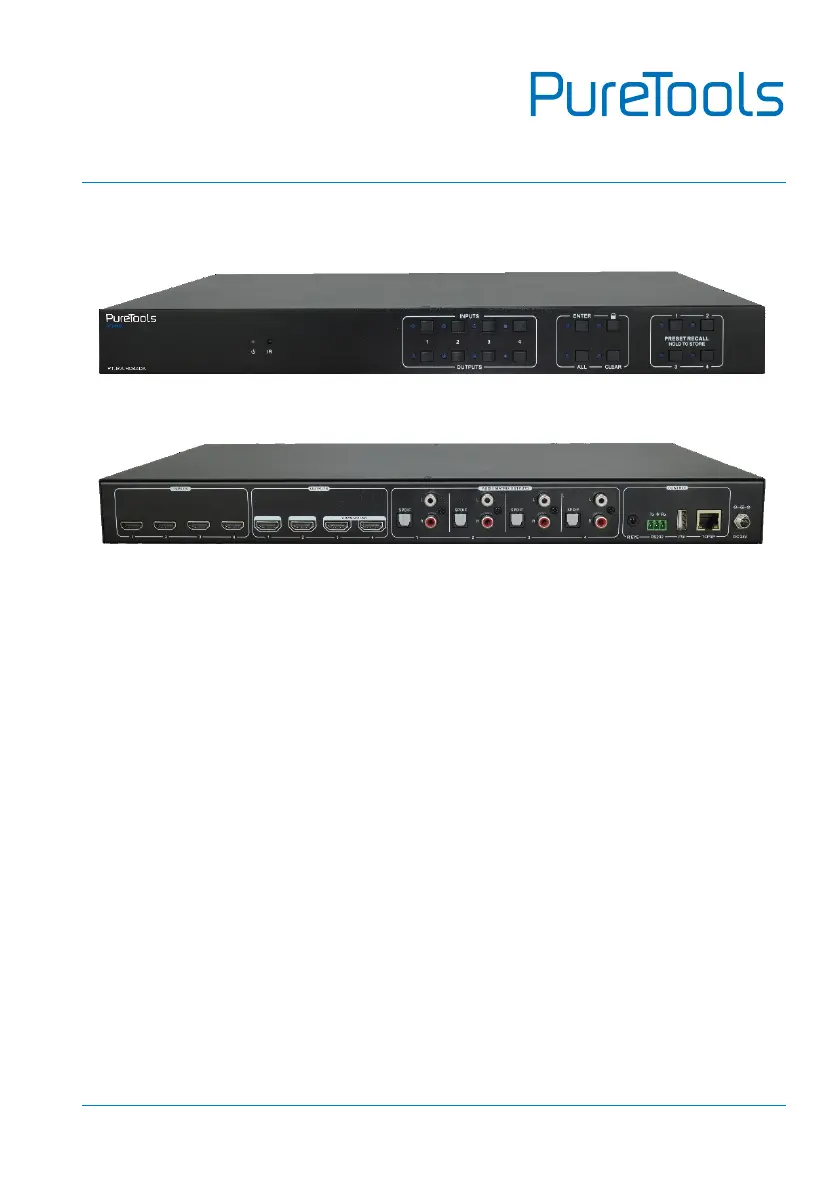
PureLink PT-MA-HD44DA - User Manual

PureLink PT-MA-HD44DA
48 pages
Print Icon
To Next Page IconTo Next Page
Loading...
User Manual
PT-MA-HD44DA
User Manual
4x4 HDMI 2.0 Matrix 4K (60Hz 4:4:4) HDR with Downscaling
Model PT-MA-HD44DA
Designed in Germany
© 2019 PureLink GmbH All rights reserved. V1.0

Questions and Answers

  • D
    Deborah MarshallAug 6, 2025
    How to fix color loss or no video signal on PureLink PT-MA-HD44DA?
    • A
      Alexander WebbAug 6, 2025
      If you're experiencing a loss of color or no video signal output with your PureLink Matrix Switcher, start by checking the connecting cables. Ensure they are correctly connected and in good working condition. Also, verify that all connections are secure to eliminate any failures or loose connections.
  • D
    Drew SimmonsAug 10, 2025
    Why can't I control PureLink PT-MA-HD44DA with IR remote?
    • K
      Kevin HumphreyAug 10, 2025
      If you can't control your PureLink Matrix Switcher using the IR remote, try these steps: First, replace the battery with a new one. If that doesn't work, ensure you are within the effective range of the IR signal and pointing the remote directly at the IR receiver. If the issue persists, the IR remote may be broken and require repair by an authorized dealer.
  • J
    John HerreraAug 15, 2025
    What to do if there is no output image when switching PureLink PT-MA-HD44DA Matrix Switcher?
    • B
      Brianna SullivanAug 15, 2025
      If you're not getting an output image when switching with your PureLink Matrix Switcher, consider these potential causes: * Check if there is a signal at the input or output end using an oscilloscope or multimeter. * Ensure all connections are secure to rule out loose connections. * If the input source uses HDCP, and HDCP compliance is disabled, send the command '/%[Y]/[X]:1' or change the HDCP compliance status in the GUI. * If the display doesn't support the input resolution, switch to another input source or enable the display to learn the EDID data of the input.
  • R
    Randy RomanAug 19, 2025
    Why is the power indicator off on my PureLink PT-MA-HD44DA Matrix Switcher?
    • W
      William VazquezAug 20, 2025
      If the power indicator on your PureLink Matrix Switcher remains off when powered on, the likely cause is a loose or failed power connection. Check to ensure that the power cables are correctly connected.
  • S
    Stacy LeeAug 23, 2025
    Why is there a blank screen on my PureLink Matrix Switcher when switching?
    • M
      michelle81Aug 25, 2025
      If you are experiencing a blank screen on the display when switching with your PureLink Matrix Switcher, it could be due to the display not supporting the video source's resolution. You can try switching again. Alternatively, you can manually manage the EDID data to ensure the video source resolution automatically complies with the output resolution.
  • S
    Sarah RamirezAug 27, 2025
    How to unlock front panel buttons on PureLink PT-MA-HD44DA?
    • B
      Brett NelsonAug 27, 2025
      If you cannot control your PureLink Matrix Switcher via the front panel buttons, it's possible that the front panel buttons are locked. To unlock them, send the command '/%Unlock;' or select 'unlock' in the GUI interface.
  • M
    marshalljacquelineSep 1, 2025
    What to do if EDID management does not work on PureLink PT-MA-HD44DA?
    • W
      William HessSep 1, 2025
      If EDID management is not working correctly on your PureLink Matrix Switcher, the HDMI cable at the output end might be damaged. Try replacing it with another HDMI cable that is in good working condition.

PureLink PT-MA-HD44DA Specifications

General IconGeneral
BrandPureLink
ModelPT-MA-HD44DA
CategoryMatrix Switcher
LanguageEnglish