EasyManua.ls Logo

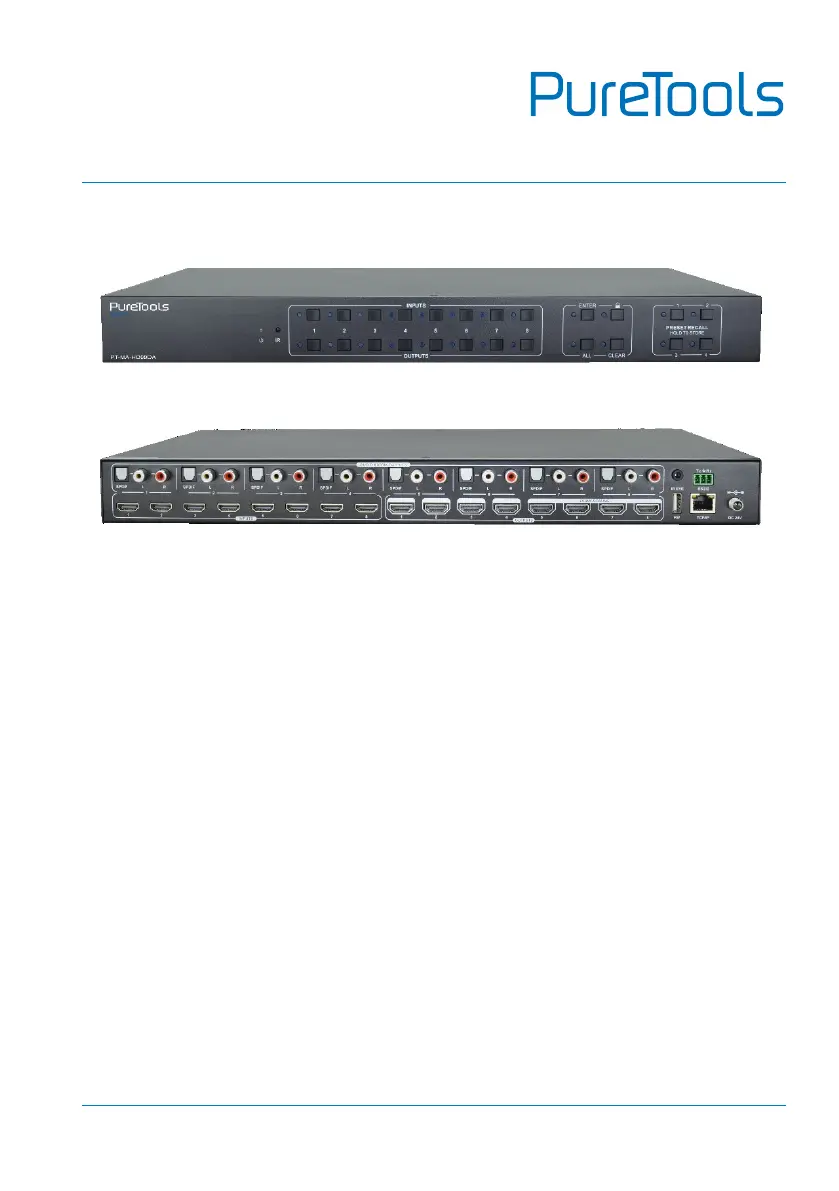
PureTools PT-MA-HD88DA - User Manual

PureTools PT-MA-HD88DA
52 pages
Print Icon
To Next Page IconTo Next Page
Loading...
User Manual
PT-MA-HD88DA
User Manual
8x8 HDMI 2.0 Matrix 4K (60Hz 4:4:4) HDR with Downscaling
Model PT-MA-HD88DA
Designed in Germany
© 2019 PureLink GmbH All rights reserved. V1.0

Questions and Answers

  • D
    Daniel StanleyAug 8, 2025
    What to do if the power indicator remains off when PureTools PT-MA-HD88DA is powered on?
    • K
      Kurt PetersAug 9, 2025
      If the power indicator on your PureTools Matrix Switcher remains off after powering it on, the issue might be a faulty or loose power connection. Ensure that the power cables are correctly connected.
  • M
    mitchellrandyAug 14, 2025
    Why can't I control PureTools PT-MA-HD88DA via IR remote?
    • J
      Julia AtkinsonAug 14, 2025
      If you can't control your PureTools Matrix Switcher using the IR remote, there could be several reasons: * The battery might be dead. Try replacing it with a new one. * The IR remote itself might be broken. In this case, send it to an authorized dealer for repair. * You might be beyond the effective range of the IR signal, or not pointing the remote at the IR receiver. Try adjusting the distance and angle to point directly at the receiver. * The IR receiver connected to the IR EYE port might not be compatible. Try using an IR receiver with carrier.
  • B
    Brianna WallaceAug 19, 2025
    How to fix color losing or no video signal output on PureTools Matrix Switcher?
    • L
      lwhiteAug 19, 2025
      If you experience a loss of color or no video signal output from your PureTools Matrix Switcher, it could be due to a few reasons: * The connecting cables might be faulty or not connected properly. Check the cables to ensure they are correctly connected and in good working condition. * There might be a fail or loose connection. Ensure all connections are secure.
  • M
    Melissa WillisAug 23, 2025
    What to do if there is no output image when switching on PureTools Matrix Switcher?
    • D
      David SimsAug 25, 2025
      If you are getting no output image when switching on your PureTools Matrix Switcher, it could be due to a few reasons: * There might be no signal at the input or output end. Use an oscilloscope or multimeter to check for a signal at the input/output end. * There might be a fail or loose connection. Ensure all connections are secure. * The display might not support the input resolution. Switch to another input source or enable the display to learn the EDID data of the input.
  • S
    Sandra WilliamsAug 28, 2025
    How to unlock front panel buttons on PureTools PT-MA-HD88DA Matrix Switcher?
    • W
      watsonstacyAug 28, 2025
      If you cannot control the PureTools Matrix Switcher via the front panel buttons, it's possible that the front panel buttons are locked. To unlock them, send the command /%Unlock; or select unlock in the GUI interface.
  • A
    Angela MunozSep 2, 2025
    How to fix screen issues on display when switching PureTools Matrix Switcher?
    • W
      Wendy GarrettSep 2, 2025
      To resolve screen issues on the display when switching with your PureTools Matrix Switcher, you should manage the EDID data manually to ensure the resolution of the video source is automatically compliant with the output resolution.

PureTools PT-MA-HD88DA Specifications

General IconGeneral
BrandPureTools
ModelPT-MA-HD88DA
CategoryMatrix Switcher
LanguageEnglish

Related product manuals