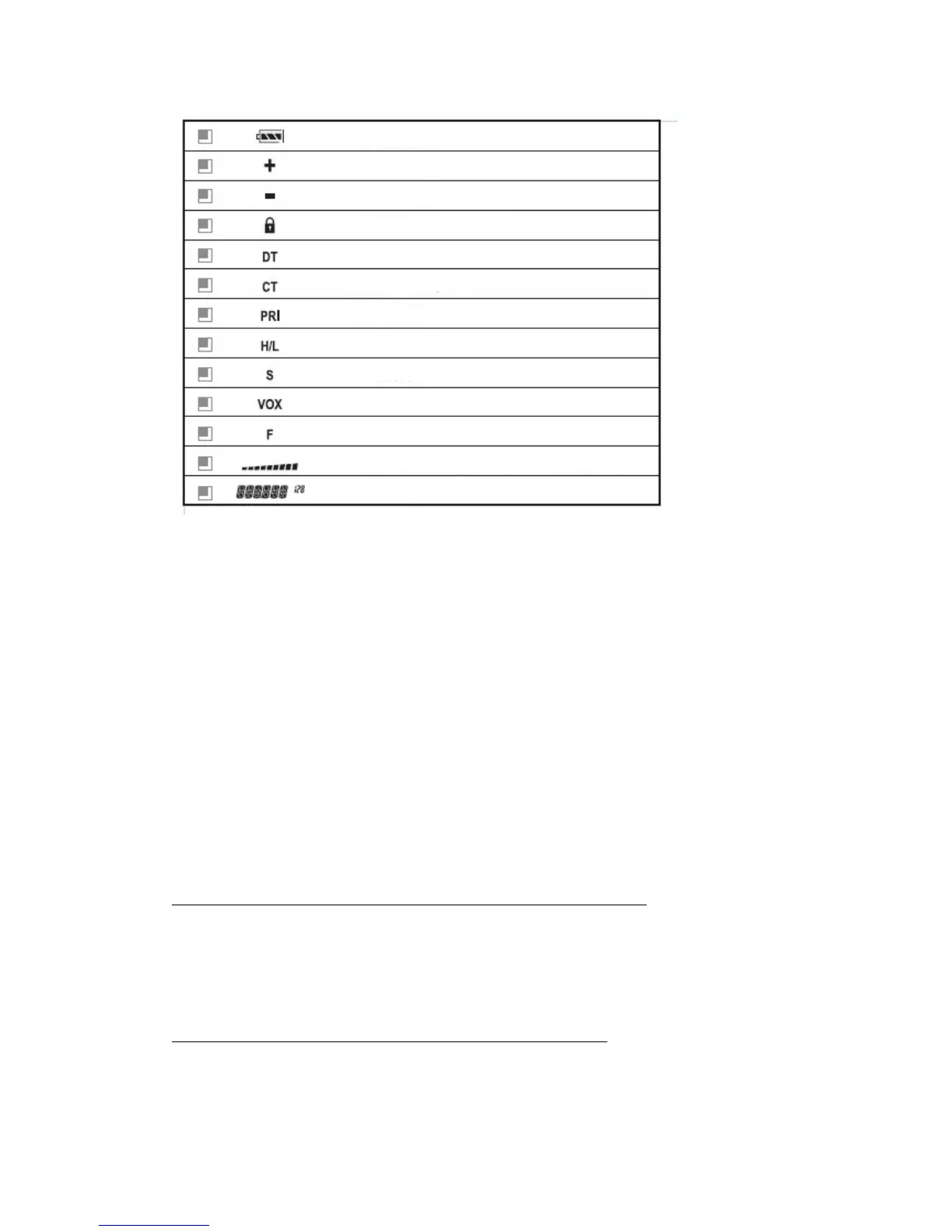
Battery power indicat
or
TX offset direction in re
lation to the Rx frequency
TX offset direction in re
lation to the Rx frequency
Keypad locked
DCS tone
CTCSS tone
Priority scan
High/Lower power
Scrambler
VOX
Menu function
Received signal strength and TX power
Frequency display
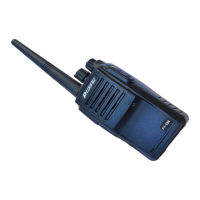
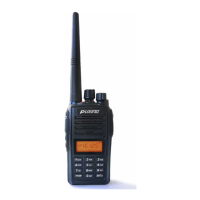
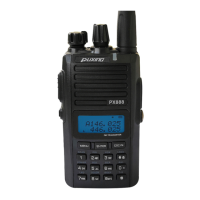
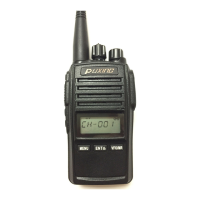
Turn on and off the power/ Adjusting volume
If you want to turn on the power, rotate the PWR/VOL knob clockwise until a beep
sound is heard .All icons and frequencies appeared on the screen. You can adjust your
desired volume by turning the knob.
To turn off the power, rotate the PWR/VOL knob counter-clockwise rotation. All the
icons on the display will disappear and the radio is off.
After turning on the radio, rotate the PWR/VOL knob clockwise to increase the
volume and counter-clockwise to decrease.


 To Next Page