Need help?
Do you have a question about the Puxing PX-888 and is the answer not in the manual?
Highlights the radio's primary capabilities and technical specifications.
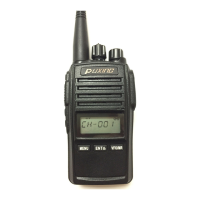
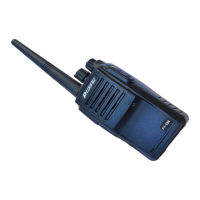
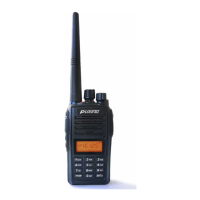
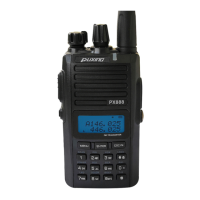
Identifies and labels the main physical components of the radio.
Explains the purpose of each key, knob, and indicator on the radio.
Explains the meaning of various icons displayed on the radio's screen.
Procedures for sending and receiving signals with the radio.
How to activate the radio's emergency alert feature.
Guide to initiating and managing channel scanning.
Procedure for saving radio frequencies and their configurations.
How to remove individual stored channels.
Procedure to clear all stored frequencies and configurations.
Setting the voice activation sensitivity level.
How to select high or low power output.
Adjusting the squelch threshold to filter noise.
Adjusting frequencies for repeater communications.
Setting Continuous Tone-Coded Squelch System tones.
Setting Digital-Coded Squelch tones.
 General
| Frequency Range | 400-470MHz |
|---|---|
| Output Power | 5W |
| Weight | 220g (with battery) |
| Antenna Impedance | 50Ω |
| Channel Spacing | 25KHz/12.5KHz |

 To Next Page