Sensitivity Adjustment
High Sensitivity
Press and hold the "PROG" button until the red indicator flashes quickly. Then, press " A " on
the D-pad to save. The adjustment will be successful when the red indicator is ON
(Suitable for PS3, PS4, XBOX ONE, XBOX SERIES platforms)
Medium Sensitivity
Press and hold the "PROG" button until the red indicator flashes quickly. Then, press " " on
the D-pad to save. The adjustment will be successful when the red indicator is ON
(Suitable for PS3, PS4, XBOX ONE, XBOX SERIES platforms)
Low Sensitivity
Press and hold the "PROG" button until the red indicator flashes quickly. Then, press " v" on
the D-pad to save. The adjustment will be successful when the red indicator is ON
(Suitable for PC platforms)
Setting Maximum Effective Turning Angle
Maximum Effective Turning Angle
For example, the maximum effective turning angle of steering wheel is 180 degree, The
maximum effective turning angle is 90 degree to the left or right, and the rotation exceeding
90 degree is invalid rotation.
How to set up?
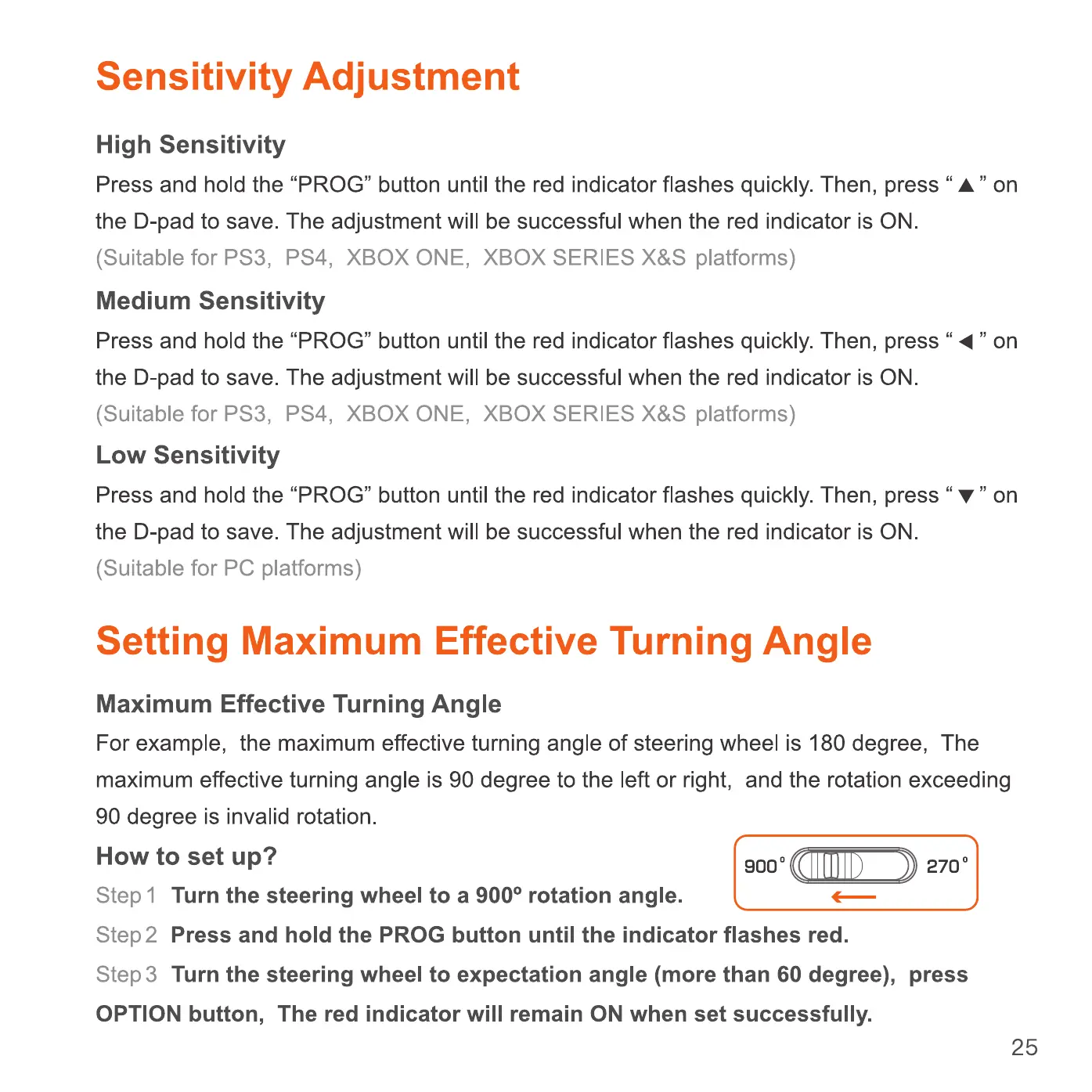
Step I Turn the steering wheel to a 9000 rotation angle.
9000 2700
step2
Press and hold the PROG button until the indicator flashes red.
step 3
Turn the steering wheel to expectation angle (more than 60 degree), press
OPTION button, The red indicator will remain ON when set successfully.
25


 To Next Page
 Loading...