EasyManua.ls Logo

Pyle view PLDNV695B - User Manual

Pyle view PLDNV695B
13 pages
Print Icon
To Next Page IconTo Next Page
Loading...
PLDNV695B
P
PLDN
LD
LD
D
LD
D
D
D
LD
LD
LD
LD
D
D
L
LD
D
L
L
D
L
L
LDD
D
D
D
D
D
L
D
LD
D
D
V
V
V105
V
V10
V10
V10
10
V10
V10
V10
V1
V1
0
V10
V
V10
V10
V10
V10
V
V
0
V
1
B
B
B
B
B
B
B
B
B
B
B
B
B
B
B
B
B
B
B
B
B
B
B
B
B
B
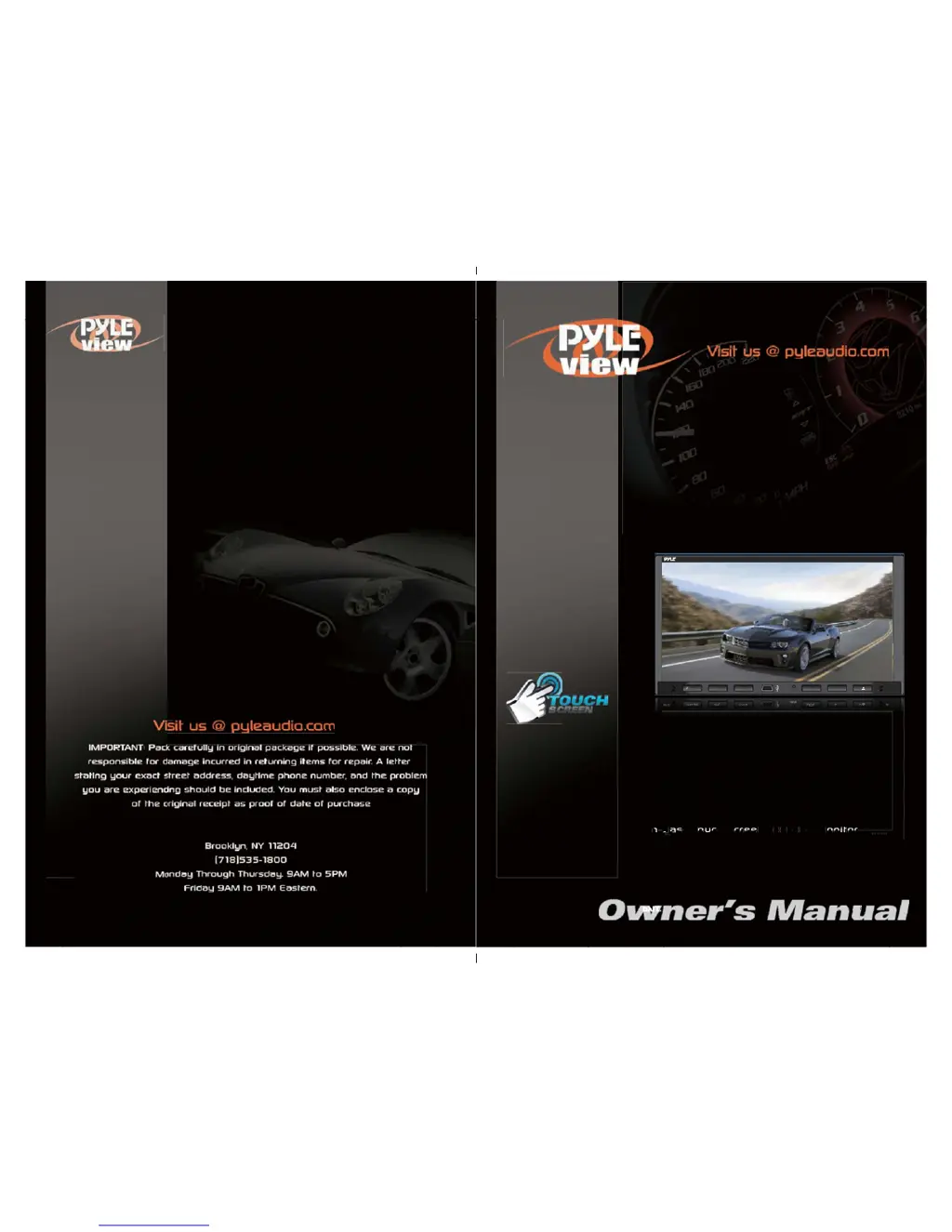
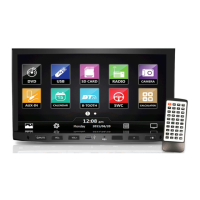
7'' Double DIN In-Dash Touch Screen TFT/LCD Monitor
w/ Multimedia Disc/CD/MP3/MP4/USB /SD/AM/FM/Bluetooth
& Screen Dial Pad Built-In GPS/
/
TTS w/ USA/Canada & Mexico Maps
MIC
/MUTE
VOL-
VOL+
RES
IR
PLDNV695B
NAVI
n
-
D
a
s
h T
o
u
c
h
S
c
r
e
e
n
T
F
T
/
L
C
D
M
o
n
i
t
o
r
M
M
M
M
M
M
M
M
M
M
M
M
M
M
I
I
I
I
I
I
C
C
C
C
C
C
C
C
/
/
/
/
/
/
/
/
/
/
/
M
M
M
M
M
M
M
U
U
U
U
U
U
U
U
T
T
T
T
T
T
T
T
E
E
E
E
E
E
E
E
V
V
V
V
V
V
O
O
O
O
O
O
O
O
L
L
L
L
L
L
L
L
L
-
V
V
V
V
V
V
V
V
O
O
O
O
O
O
O
O
O
O
L
L
L
L
L
L
L
L
L
L
+
+
+
+
+
+
R
R
R
R
R
R
E
E
E
E
E
E
E
S
S
S
S
S
S
S
S
S
I
I
I
I
I
I
I
I
R
R
R
R
R
R
R
a
D
D
a
P
L
D
N
V
6
9
5
B
N
N
N
N
N
N
N
A
A
A
A
A
A
A
A
A
V
V
V
V
V
V
V
V
V
V
A
A
A
A
A
A
A
A
I
I
I
I
I
I
I
I
I
D
a
s
h
T
o
u
c
h
S
c
r
e
e
n
T
F
T
/
L
C
D
M
o
n
i
t
o
r
D
a
s
hT
o
u
c
h
S
c
r
e
e
nT
F
T
/
L
C
D
M
o
n
i
t
o
r
Power: (4 x 80 Watt)
Motorized Slide-Down Front Panel

Questions and Answers

  • K
    Katherine WhiteAug 2, 2025
    What to do if my Pyle view PLDNV695B Car Video System is not operating?
    • G
      Gina MccarthyAug 2, 2025
      If your Pyle view Car Video System isn't operating, it might be due to an overloaded power supply. Try changing the fuse to the correct type. You may also need to adjust the voltage or reset the system by pressing the Reset key.
  • T
    Tonya RuizAug 10, 2025
    Why is there no sound coming from my Pyle view Car Video System?
    • K
      Kristina PageAug 11, 2025
      If you're experiencing no or low sound on your Pyle view Car Video System, first check the connection to ensure everything is properly connected. Also, increase the volume and adjust the volume balance setting to the middle. Finally, make sure the loudspeaker connection is insulated to prevent earthing.
  • S
    Steven WilliamsAug 17, 2025
    How to fix a Pyle view PLDNV695B remote that doesn't work?
    • W
      williamschristopherAug 17, 2025
      If the remote control for your Pyle view Car Video System isn’t working, the battery might be out of power; replace it with a new one. If that doesn’t solve the problem, make sure the battery is correctly installed by reinstalling it.
  • Y
    Yvonne BaldwinAug 25, 2025
    What to do if my Pyle view Car Video System has inferior or distorted sound?
    • R
      Raymond WilliamsonAug 26, 2025
      If you notice inferior sound quality or distortion from your Pyle view Car Video System, make sure you are using genuine discs. It could also be that the loudspeaker doesn't match the impedance of the machine, so change to a matched loudspeaker. Also, check the connection of the loudspeaker.

Summary

Precautions

Remote Control

Operational Panel

Graphical User Interface (GUI)

Turning the Power On

Powering On Procedure

Steps to turn the unit on using the ignition key.

Bluetooth (BT) Operations

Phone Usage and Calls

Dialing, managing contacts, and making calls via Bluetooth.

Device Pairing

Steps to connect and pair Bluetooth devices.

DVD Playback

Navigation (Navi) System

Initial Setup Wizard

Guides through initial configuration of navigation.

Destination Search

Inputting address details to find locations.

Navigation (Navi) System Controls

Radio Operation

System Settings

Navigation Setup

Time Settings

Steering Wheel Controls

Control Configuration

Configures unit functions to steering wheel buttons.

Installation Guide

Pre-Installation Steps

Pre-installation steps like disconnecting the battery.

Installation Cautions

Important safety and installation guidelines.

Troubleshooting Common Issues

Unit Not Operating

Unit does not power on or function.

Audio Output Problems

Absence, low volume, or distorted audio.

Remote Control Malfunction

The remote control is unresponsive.

Display Issues

No image, unstable video, or incorrect aspect ratio.

System Resetting

Unit restarts unexpectedly upon shutdown.

Signal Reception

Poor reception or weak signal strength.

GPS Antenna Installation

Optimal Placement Guidelines

Guidelines for optimal GPS antenna placement.

Wiring Connections

Camera and Parking Brake Input

Connects rear-view camera and parking brake signal.

Pyle view PLDNV695B Specifications

General IconGeneral
Screen Size6.95 inches
Resolution800 x 480 Pixels
BluetoothYes
USB PortYes
SD Card SlotYes
RCA Video OutputYes
Built-in AmplifierYes
TouchscreenYes
NavigationNo
DVD PlayerYes
Backup Camera InputYes
Steering Wheel Control CompatibleYes
FM RadioYes
Aux InputYes
Rear View Camera InputYes
Mounting TypeDouble DIN
Media FormatMP3, MP4

Related product manuals