Audio:
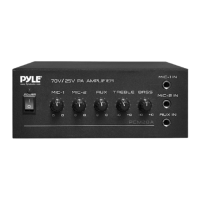
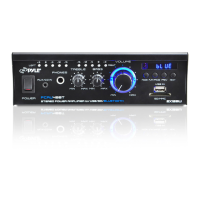
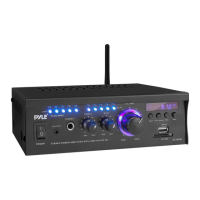
1. Ifthelocationhasanexistingsoundsystemandmusicsource,simplylocatethecable
comingfromtheexistingsoundsystemleadingtotheheadphonejackontheold
system,disconnectitfromtheoldunit,andconnectittotheoutputonthenewMusic
Maestro.Iftheexistinginputisstereo,unplugbothleftandrightinputs,andconnect
themonooutputfromoursystemtotheamplifierintheAUXinred.
2. Ifthelocationhasanexistingsoundsystem,andnomusicsource(orit’snotconnected)
you’llneedtolocatetheappropriateinputforthemusic.Veryrarelyisitknownwhat
make/modelofamplifierisinplace,soitmaybenecessarytoconsultthemanualfor
theamplifierifthemusicinputisnotobvious.Typically,theinputwillbelabeledAux,
Auxiliary,Musicin,CD,Tape,Input1,Input2,etc.
3. Locatethenearestphonejack,faxmachineorD‐mark,andconnectdialtonetotheUSB
modemontheunit.Insomecases,wehaveprovidedanewpatchfortheswitchto
connecttoourunitthentotheassignedswitchontheassignedportnumber.
4.
ThefinishedInstallation(Fig14)shouldbeneatclanandprofessional.
5. ReboottheunitandcallUnitedMediaSolutionstoensuretheunitisconnectedtoNOC
@800‐373‐8200Option2
6. Find the shippinglabelprovidedandshipbacktheoldandunusedrequiredequipment.
ThisincludestheoldSiriusXMtuner,modems,
surgeprotectors,etc.
Fig14


 To Previous Page