Platinum MP-3000 Installation Guide
1. Locate your existing Protege/Audio Emcee MOH player.
2. Locate the audio cord that connects your Protege/Audio Emcee player to the telephone system.
a. On XE-500 models, the audio cord connects on the front of the player. [FIG1]
b. On XE-370 models, the audio cord connects on the back of the player. [FIG 2]
3. Disconnect the audio cord from your Protege/Audio Emcee player.
a. On XE-500 models, you must remove the adapter from the plug. [FIG 3]
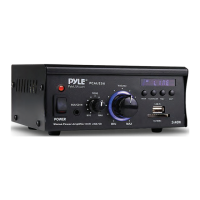
4. Plug the audio cord into the line out cord on the MP-3000 (included). [FIG 4]
5. Insert the USB key (included) into the MP-3000 port labeled USB. [FIG 5]
6. Turn on the unit by pressing the power button. [FIG 4]
7. You may adjust the volume of the on-hold messages with the Volume Up or Down buttons located
on the front of the MP-3000 unit. [FIG 4]
For Technical Support, call 1-800-373-8200 Option 2
FIG 1
FIG 2
FIG 3
FIG 4
FIG 5
Volume
Power


 To Next Page