,..---,------,--,----
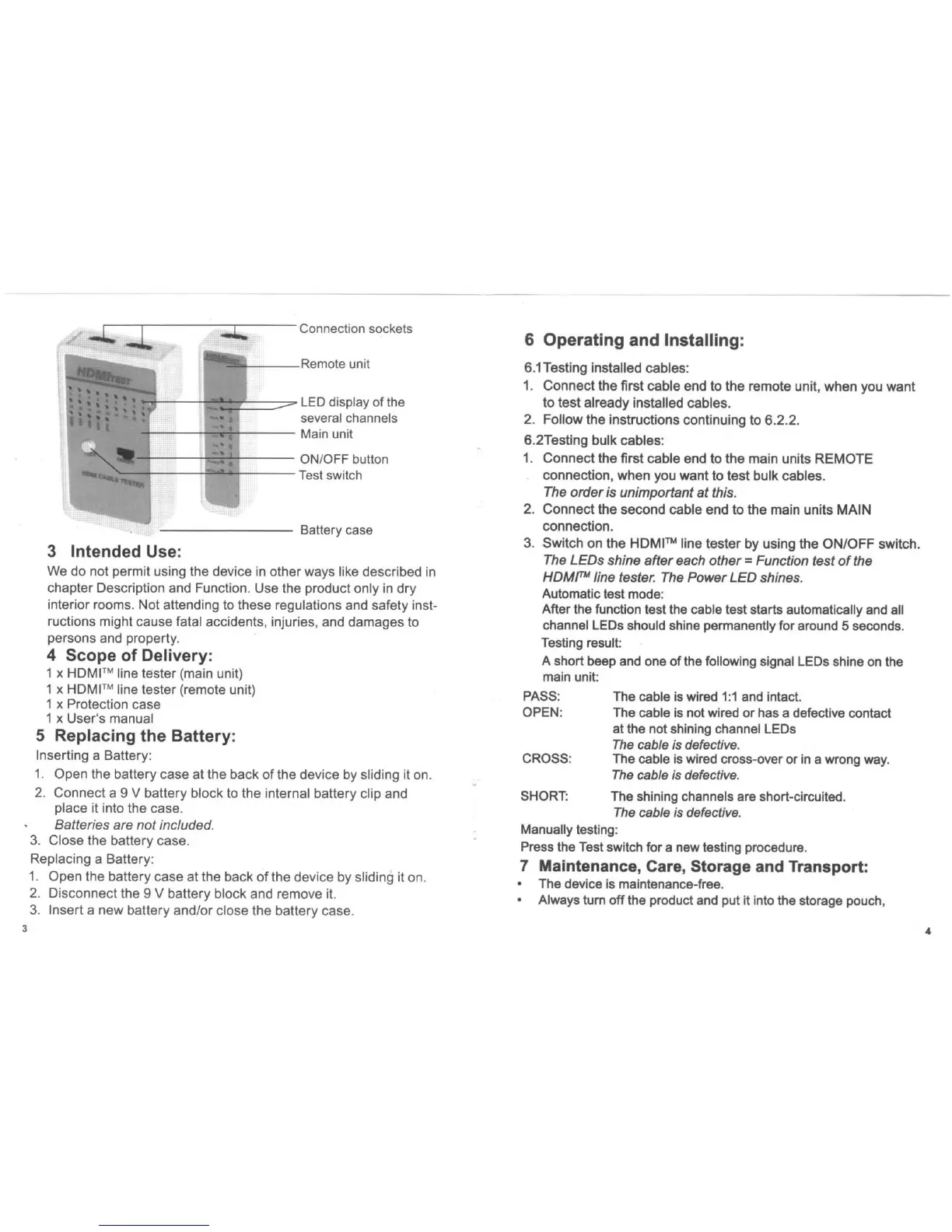
Connection sockets
1QI1"!I1Pt-
---t<ellT'u
..
' unit
Ifijl--
--tP!IItf=
=:::::"'"'
LED display of the
several channels
f-
--
--:t
-
.....
---
Main unit
'*"
--
-:i
=r-!-l----
ONIOFF button
...
_~~t---If'-T
---
Test switch
Battery case
3 Intended Use:
We
do
not permit using the device in
other
ways like described in
chapter Description and Function. Use the product only
in
dry
interior rooms. Not attending to these regulations and safety inst-
ructions might cause fatal accidents, injuries, and
damages
to
persons and property.
4 Scope of Delivery:
1 x
HDMI
TM
line tester (main unit)
1 x
HoMI
TM
line tester (remote unit)
1 x Protection case
1 x
User
's manual
5 Replacing the Battery:
Inserting a
Battery
:
1. Open the battery
case
at the back
of
the device by sliding it on.
2.
Connect
a 9 V battery
block
to the internal battery clip and
place it into the
case
.
Batteries are not included.
3.
Close
the battery
case
.
Replacing a
Battery
:
1.
Open
the battery
case
at the back
of
the
dev
ice by sliding it on.
2.
Disconnect
the 9 V battery
block
and remove it.
3.
Insert
a
new
battery andl
or
close the
battery
case.
6 Operating and Installing:
6.1Testing installed
cables
:
1.
Connect
the first
cable
end to
the
remote unit,
when
you
want
to
test
already
installed
cables
.
2.
Follow
the
instructions continuing
to
6.2.2
.
6.2Testing bulk cables:
1.
Connect
the
first
cable
end
to
the
main
units
REMOTE
connection,
when
you
want
to
test
bulk
cables
.
The order is unimportant at this.
2.
Connect
the
second
cable end
to
the
main units
MAIN
connection.
3.
Switch
on
the HOM
I'"
line
tester
by using the
ON/OFF
switch.
The LEOs shine
after
each
other
= Function test
of
the
HOMf'''
line tester. The Power LED shines.
Automatic test mode:
After the function test the cable test starts automatically and all
channel LEOs should shine permanently for around 5 seconds.
Testing result:
A short beep and one
of
the following signal LEOs shine on the
main unit:
PASS:
OPEN:
CROSS:
SHORT:
The cable is wired
1:1
and intact.
The cable is not wired
or
has a defective contact
at the not shining channel LEOs
The
cable is defective.
The cable is wired cross-over or
in
a wrong way.
The
cable is defective.
The shining channels are short-circuited.
The
cable
is
defective.
Manually testing:
Press the Test switch for a new testing procedure.
7 Maintenance, Care, Storage and Transport:
The device is maintenance-free.
Always turn
off
the product and put it into the storage pouch,
4



 To Next Page
 Loading...