EasyManua.ls Logo

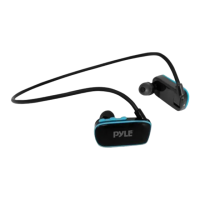
Pyle PSHWPMP3 - Product Overview and Setup; Item List and Connections; Operation Instructions; Music Management and Charging

Pyle PSHWPMP3
4 pages
Print Icon
To Next Page IconTo Next Page
To Previous Page IconTo Previous Page
Loading...
1.
Part.
1)
110m
Llot
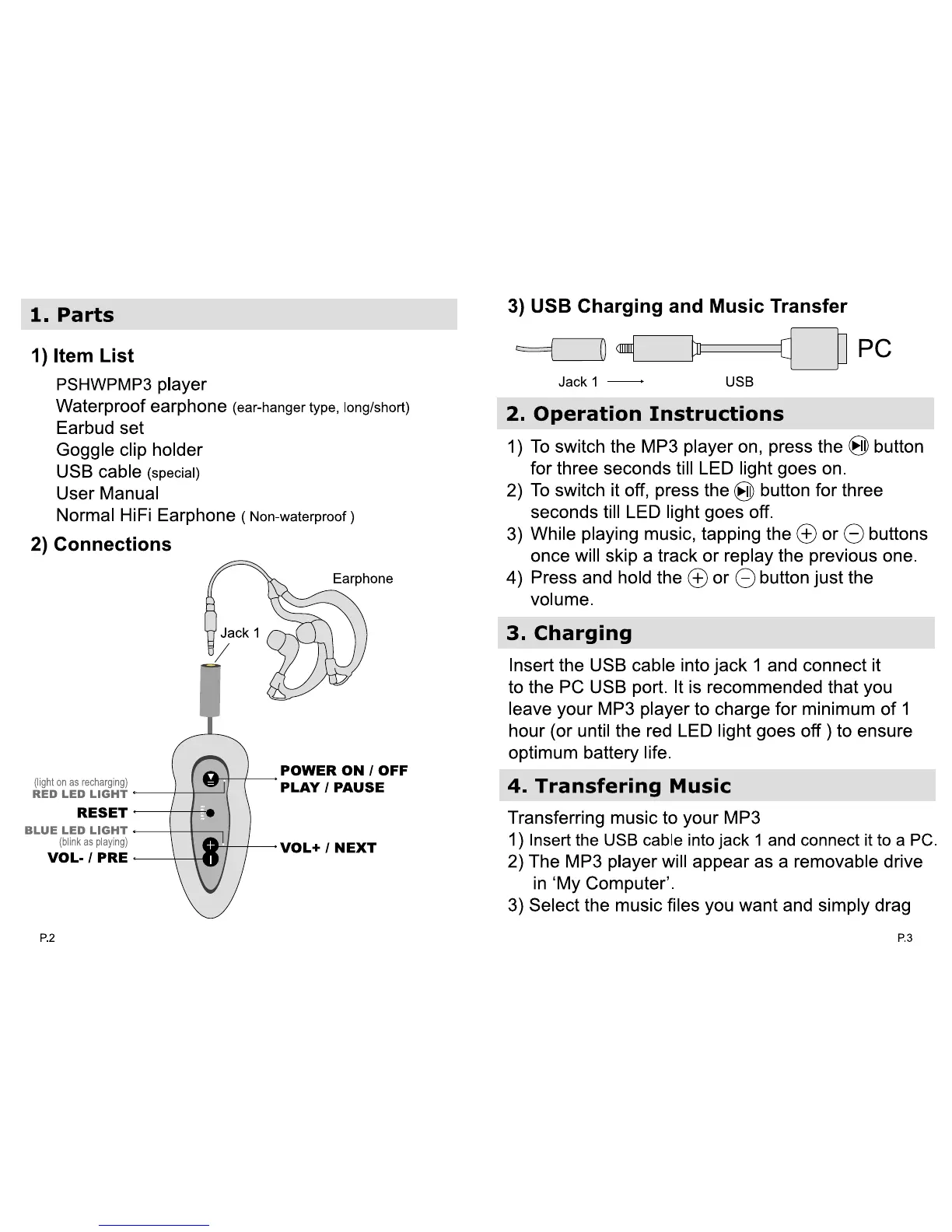
PSHWPMP3 player
waterproof earphone
(~type
.
~
Earbud set
Goggle",,"""""
usa
cabM
(1p8OiII)
u-_
NormaIl-iA Earphone (1ob
.....
"'ouI)
2) Connocll
....
IlEDLE
::;::
~"'.~
=
=l~
~
\
POInR
OR/
OW
PLAY f
MUH
_LI!DLIDHr
....
-
VOL-I
p_
---\--\lrr
T-
¥DL+
'NUT
=e::::J
oc::::JiJ==O
PC
2.
O.,.-.t:lon
Inlllnlctlona
1) To
swttdllhe
MP3
player on,
prea
the 8 button
for
ttne
seconds
till
lED
light goes
on
.
2)
To switch it
off,
press
1ha
8
button
for
ttne
sec::oods
iii
LED
light
gaM
off
.
3)
__
music, lapping
!he
(±)
or
e
.........
ones
wiI
skip a track 01'
replay
the pnrvioua one.
4)
Press and hold
!he
(±)
or
e
~
.......
vokJme.
3.
Ch_rglng
Insert the
USB
cable into
Jack
1 and
connect
It
to
the
PC
USB
port.
It
Is
recommended that
you
leave
your
MP3
player
to
charge
for
minimum of 1
hour
(or
until the red LED light
goes
off)
to
ensull!
optimum battery life.
4.
T
...
n.,erlng
Mu.lc
Transferring
music
to
your
MP3
1) Insertltle
USB
CIIIble
InIoJack 1
and
connect
It
to
a
PC
.
2) The
MP3
playerwiliappur
..
a
...
mOVllble drfve
in
'My
Compu1er'
.
3) Select the music files
you
want
and simply drag
"

Related product manuals