Need help?
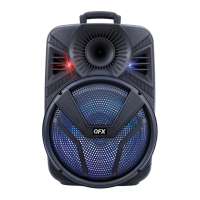
Do you have a question about the QFX PBX-615 and is the answer not in the manual?
Shows the current input mode (USB, TF, BT, AUX, FM) on the LED screen.
Displays the current track number for USB/TF playback.
Shows FM channels and allows auto-scanning via play/pause.
Controls for standby mode and cycling through input sources.
Functions for muting, play/pause, track navigation, volume, and repeat.
Controls for EQ modes and FM channel scanning.
Number keys for selecting specific tracks on USB/TF.
Steps to connect two speakers for TWS functionality.
Instructions for connecting a mobile device to the paired speakers.
Procedure to turn off the TWS connection.
 General
| Brand | QFX |
|---|---|
| Model | PBX-615 |
| Category | Portable Speakers |
| Language | English |

 To Next Page